A check-in records work
Checking in creates another iteration of an object, recording a saved state of the work. A team can therefore distinguish successive updates without treating each save as a new approved design.

Bring CAD, drawings and product documents into a controlled context. Keep the definition, its history and the people who use it connected as engineering work develops.
Explore controlled product dataProduct data management (PDM) is software for organizing and controlling the information created during product development. It connects engineering files with their identity, history and relationships so people can understand what they are using, even when several design tools contribute to the product.
Think beyond the file itself: a drawing needs a subject, an owner and a known version. A managed document can hold primary content and attachments; attributes and history describe that content. The record provides context that a file name or folder location alone may not explain.
When someone asks for the drawing, can they also identify the product and revision it belongs to?
A design review may involve work that is still changing alongside information already chosen for use. PDM makes that distinction easier to discuss: saving new work, revising a definition and approving a reference are different decisions. The video introduces the wider product-data perspective; the points below explain that everyday version context.
Checking in creates another iteration of an object, recording a saved state of the work. A team can therefore distinguish successive updates without treating each save as a new approved design.
A Revise action starts a new revision, distinct from the iterations within it. The revision scheme and working rules determine how the team recognizes those separate development steps.
The latest saved information may still be in progress. A review should identify the intended record, version and lifecycle state, with the required approval handled through the configured process.
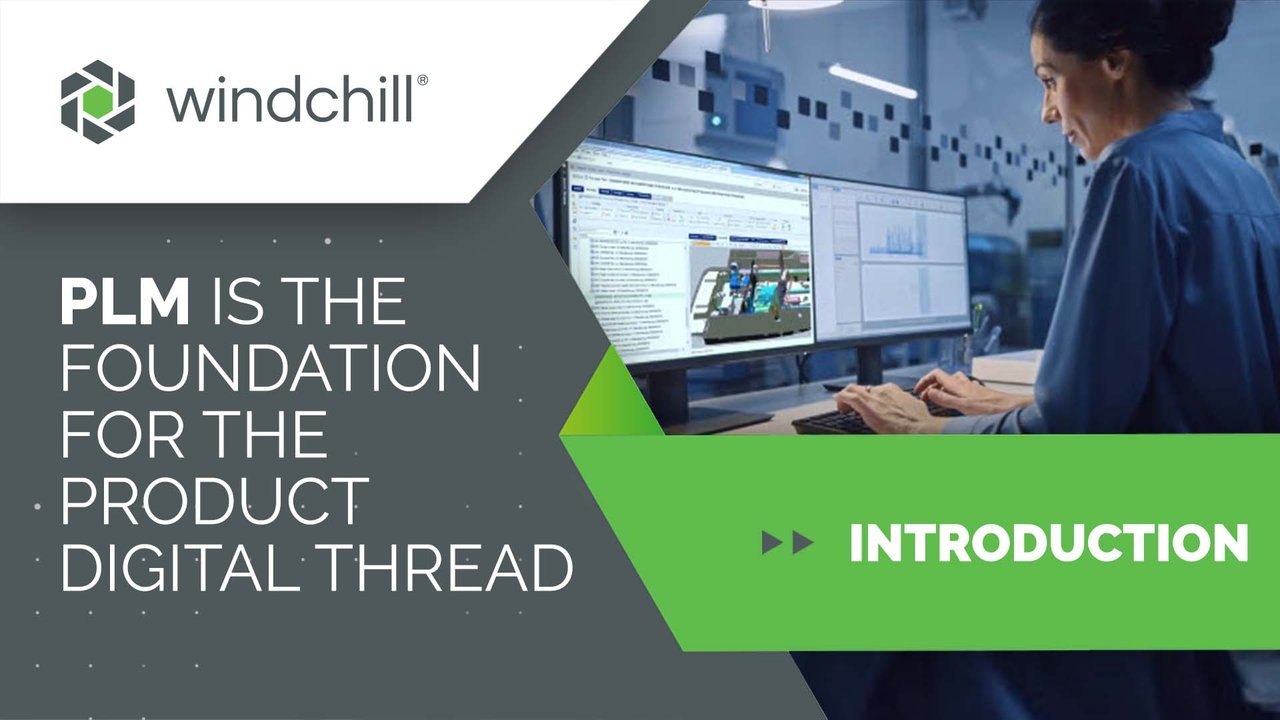
Evaluate PDM through familiar tasks and the evidence of an improvement. These six outcomes describe different kinds of improvement; each question helps the team make the desired result observable.
Reduce the preparation effort around a review by making related design information easier to locate together. Engineers can spend less of the conversation reconstructing the supporting record set.
Can a reviewer locate the agreed drawing without asking its author?
Help participants in different locations understand the same reference before exchanging feedback. Shared context matters when the person receiving the information did not create it.
Can two locations name the same product definition?
Make missing or inconsistent relationships easier to spot by examining the content with its dependencies. A managed record supports the quality check; the responsible discipline still evaluates the information.
Which dependencies must be checked before a handoff?
Clarify who maintains a document and which saved content belongs to it. This makes the working record easier to explain when a file or attachment is replaced.
Who can replace an attachment or edit the primary file?
Define access around the participant, the information and the permitted task. A deliberate review boundary helps avoid distributing more product information than the recipient needs.
Which actions should an external reviewer be allowed to perform?
Use agreed identifiers and attributes so a search can express the engineering need. This is especially useful when a designer knows the characteristics of a part but not its file name.
Which terms do the team actually use when looking for a part?
Begin with a recurring problem, such as assembling a review package or finding the intended drawing. Follow one representative assembly through that task and involve both its authors and recipients. The aim is a bounded first scope with a clear test of success.

Collect the CAD, drawing and document dependencies that make the example complete. Include the file formats and current storage locations so the assessment reflects the information the team actually maintains.
Describe naming, review and release expectations in the team’s own words. Identify where current practice is consistent and where people rely on an informal explanation from the author.
Define what the receiving person needs and how they will confirm it is usable. Use that task to agree a small evaluation scope before planning a wider data migration.
PDM capabilities work together around the engineering record: creating it, controlling how it is used, and making it available to the right audience. Explore each area with a familiar product example, then use the review questions to assess your proposed environment.
Access rules determine what a participant can do with an object in its context and lifecycle state. Test the intended read, download and editing tasks with representative internal and external users.
Review with your teamWhich permissions belong to each receiving audience?
Explore IP SecurityUse lifecycle states to express where information stands in the agreed process. Saved iterations and revisions identify versions; the configured state and process establish how those versions may be used.
Review with your teamHow does the team identify its released reference?
Explore configuration managementRoute information through the review or approval process that the organization has configured. Name the decisions, participants and implementation responsibilities rather than treating routing as an engineering judgment.
Review with your teamWho needs to assess the impact before work proceeds?
Explore engineering changeOrganize retrieval around keywords, identifiers, attributes and document classes. Saved or shared searches are useful only when the underlying vocabulary is meaningful to the people using it.
Review with your teamCan the same search vocabulary be used across teams?
Explore Parts ClassificationGive a non-author the product context required for a defined task, without assuming they need the full authoring environment. Distinguish viewing from acknowledgment or modification when scoping the application.
Review with your teamDoes this person need to view, acknowledge or author information?
Explore Windchill NavigateConfigured publishing can convert supported native content into a lighter representation for review. Confirm the input formats, conversion workers and viewing tools needed to make that representation usable.
Review with your teamWhich formats and conversion workers does the environment need?
Explore PTC Product ViewPublishing jobs can be requested on demand, by events or through scheduling, then processed through configured queues. Decide who monitors failed jobs and when a representation needs to be refreshed.
Review with your teamWhen should a representation be generated, and who monitors the queue?
CAD compatibility, desktop integration, applications, publishing workers and advanced controls depend on the installed products, supported versions, licensing and configuration. Confirm the required scope with representative data.
An electronics product combines board design, mechanical packaging and component sourcing. For example, a proposed component replacement may affect the board record, enclosure fit and information supplied to production. PDM provides a place to relate those references; the relevant teams still assess each consequence.
Identify the board and enclosure records used for the review, including their intended versions. A fit discussion needs both references, rather than an isolated board file.
Explore collaborative developmentRelate the internal component to manufacturer and vendor information so the proposed source is recognizable. Purchasing status and technical suitability are separate questions.
Explore supply-chain collaborationIdentify the product definition and planning information production should receive after the decision. Manufacturing needs a usable reference and a way to raise a discrepancy.
Explore manufacturing processesWindchill is PTC’s platform for managing product information within wider PLM processes. Its PDM scope addresses engineering data; connected product structures and lifecycle workflows extend the conversation beyond individual files. The specialist guides below explore how those needs build on a controlled engineering reference.
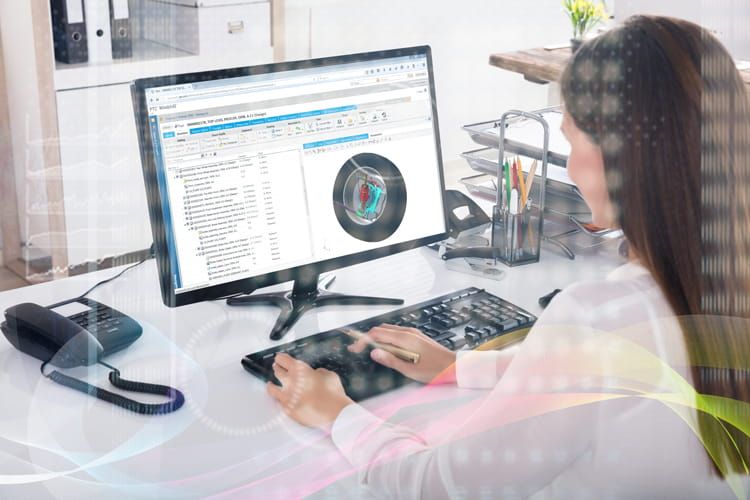
A BOM describes which parts and quantities make up a product. Follow this guide when the discussion moves from controlling design files to understanding the assembly definition.
Explore BOM managementA product family introduces planned options and allowed combinations. Follow this guide when the team needs to distinguish a reusable platform from a particular selected configuration.
Explore variant managementA Windchill evaluation becomes more useful when it leads to a rollout decision, not just a feature list. Use the engineering needs established above to agree who will participate, what the first deployment covers and how the team will judge readiness. Keep optional AI-assisted access as a separate discussion with its own information and permission checks.
Carry the agreed example into an implementation conversation. Establish the supported environment, the people responsible for maintaining it and the boundaries of the first release. The brief should describe a usable starting point and the decisions still requiring review.
What should the first rollout make easier for your team?
Product data has to remain understandable in the environment that creates and uses it. Start with a familiar engineering record and examine how the next team identifies its intended version.

An enclosure model, board reference and related document can come from different disciplines. Give each record a recognizable identity and version before relating them.
Can the receiving engineer identify the right file and its product context?
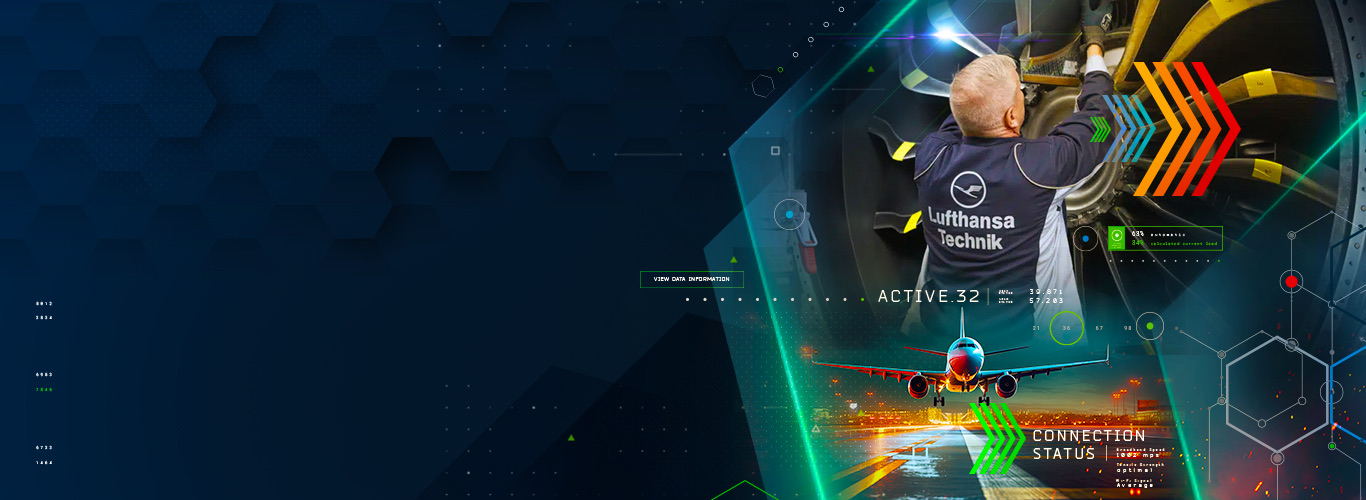
Engineering records may be used through a long product program. Keep released information distinct from continuing development work.
How does the team find the intended engineering baseline again?
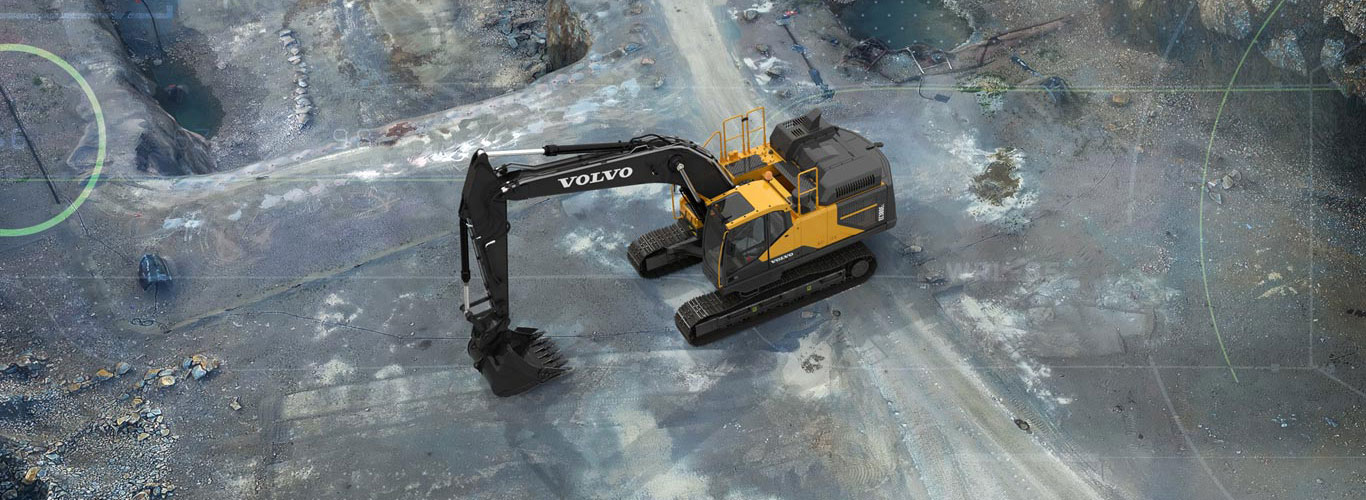
A machine assembly may depend on shared CAD components and supplier documents. Review how changes to those records become visible to the people using them.
Which dependent records need attention when this design file changes?
Use the pilot to resolve the details that affect everyday adoption and future connections.
A shared folder stores files. PDM adds managed identities, attributes, relationships, history, lifecycle behavior and permissions around product information. The useful difference comes from how these controls are configured and used by the team.
No. Saved iterations, revisions and lifecycle states answer different questions. A newer working iteration can exist while a previously released definition remains the reference for a particular task. Define the version-selection rules and release process for each audience.
Windchill supports multiple CAD integrations. Compatibility, authoring actions and supported data depend on the specific integration, CAD release and environment. Review your tool versions and representative assemblies instead of assuming identical behavior across every CAD system.
Search and classification can help locate candidates and their context. The responsible team still evaluates requirements, interfaces, lifecycle state and suitability for the intended application. A search result is a starting point for that decision.
A migration scope should identify source files, dependencies, metadata, history and ownership, then define mappings and rehearsal checks. The available history and the receiving data model determine what can be retained; establish those expectations before moving the full collection.
Show us where engineering information is difficult to find, control or share.
We’ll help define the records, working practices and connections that give your team a clearer reference.