Test the direction
Consider a wall, rib or support arrangement while it is practical to change. Start with one performance question, then compare geometry under the same study conditions.
Which dimension or feature is still open to change?

Explore performance while the geometry is still taking shape. Creo Simulation Live brings Ansys-powered feedback into the modeling workflow so designers can compare ideas before a deeper engineering review.
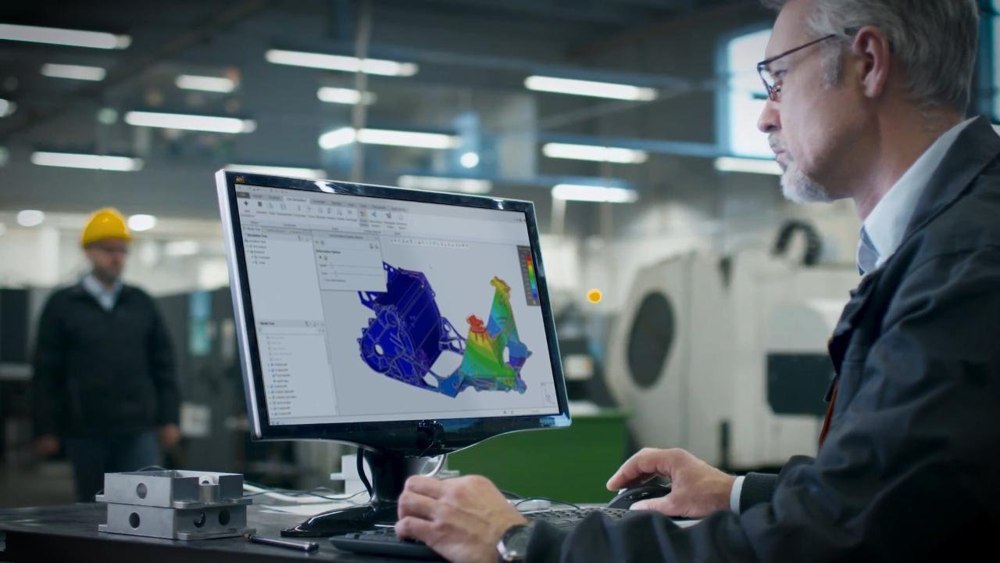
Creo Simulation Live is an interactive analysis tool within Creo. Set up a study, edit the model and investigate how the predicted response changes—without making a separate analysis environment the center of every design iteration.
Use it to compare directions under a consistent set of assumptions. A result becomes useful when the designer understands the materials, constraints and conditions behind it, and knows which questions require a more detailed study.
Download the Simulation Live datasheetUse feedback when a design decision is still open. The value is in learning what to change next, rather than treating every early model as a finished verification exercise.
Consider a wall, rib or support arrangement while it is practical to change. Start with one performance question, then compare geometry under the same study conditions.
Which dimension or feature is still open to change?
Change one meaningful variable at a time and retain the conditions used for each alternative. A stronger-looking contour alone is not a sufficient basis for selecting a design.
What changed—and what stayed the same?
Carry the chosen geometry, model identity, assumptions and unresolved questions into the next analysis. Explain why the candidate was selected and what still needs to be investigated.
Which uncertainty should the next study resolve?
Judge the value of live feedback by what it changes in the project: where the team spends design time, what it tests physically and which tradeoff it can explain.
A preliminary result can help the team focus review effort on the regions most sensitive to a change. It does not establish design acceptance.
Use virtual comparisons to sharpen the question a physical test must answer. Keep manufacturing variation, real operating conditions and other effects outside the study in the verification plan.
A comparison can make the tradeoff visible to a reviewer, such as whether a stiffness gain justifies giving up space for an adjacent component.
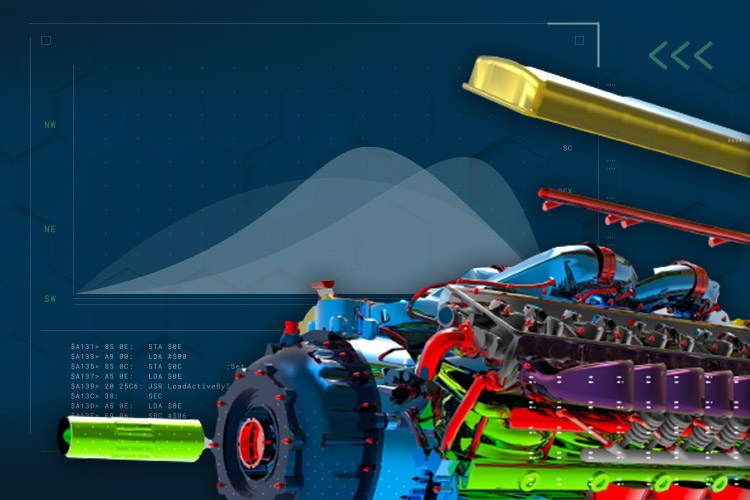
Choose the analysis depth around the decision. Fast design exploration and a detailed engineering investigation can contribute to the same product without being interchangeable tasks.
Use interactive feedback to compare geometry as you design. Keep the setup focused on the question and compare alternatives with understood inputs.
Use a more detailed analysis workflow when the decision calls for deeper study setup and review. Confirm the applicable product and release before planning advanced physics.
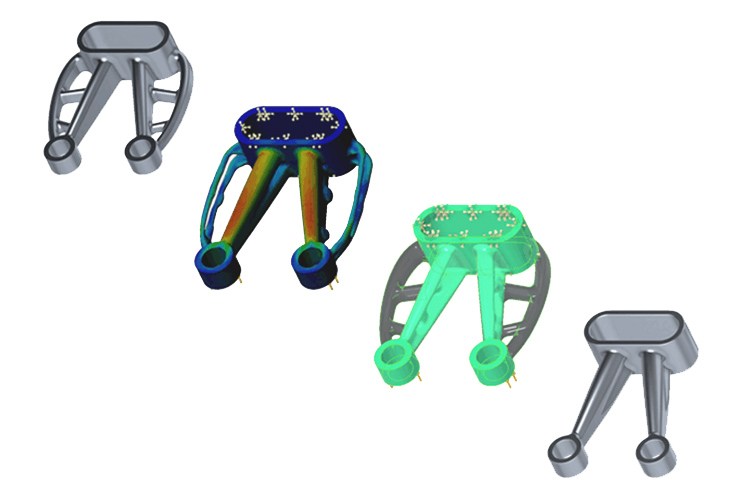
Creo Ansys Simulation Advanced adds documented capabilities such as nonlinear contact/materials and coupled structural/steady-state thermal studies. Confirm current scope and entitlements. Neither product removes the need to review assumptions or perform appropriate physical verification.
Compare the available methods before choosing the study.
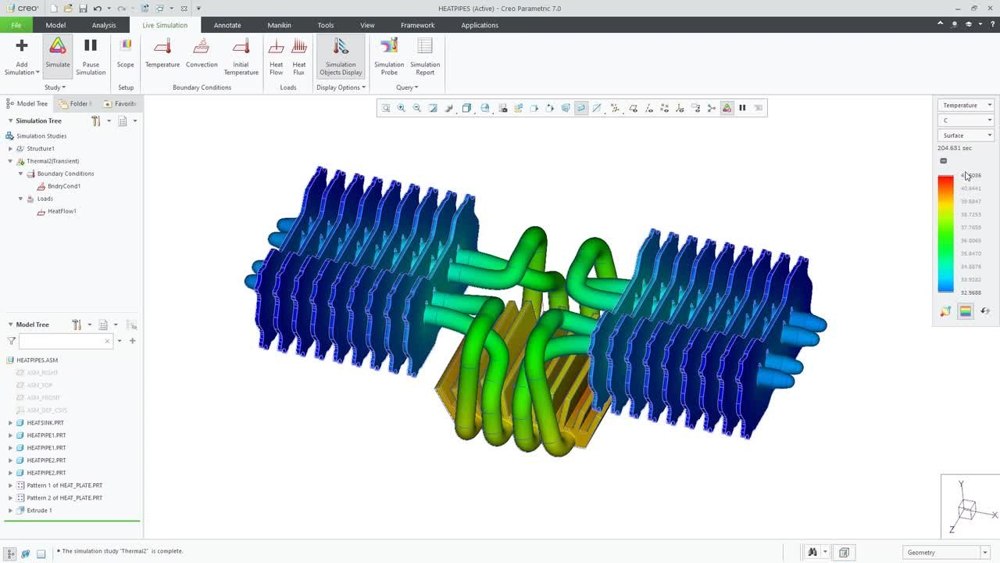
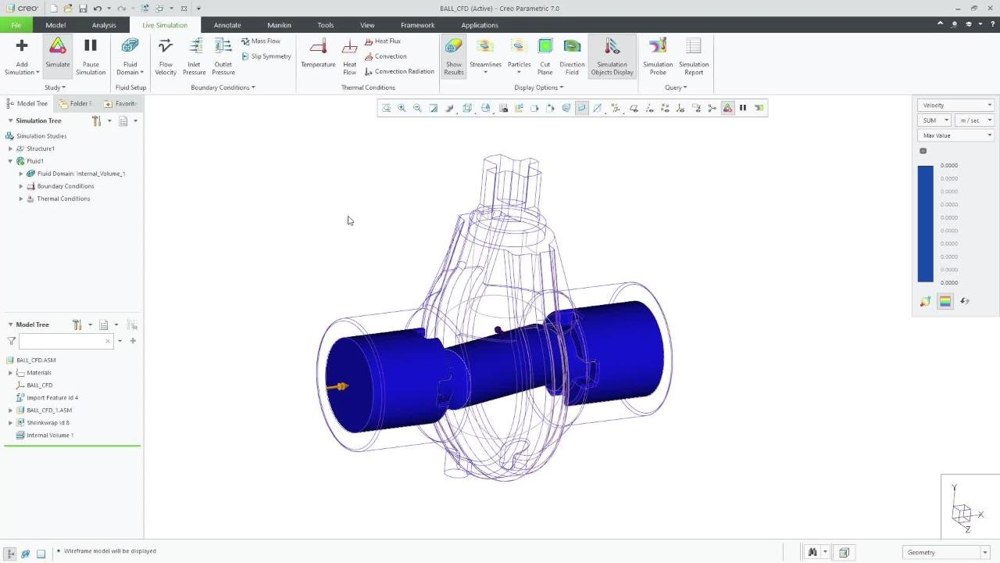
Choose a physics question, then watch the related official demonstration. The recordings below were published in 2019–2020 and illustrate workflows from those releases. Fluid-flow capabilities require Creo Simulation Live Advanced.
Official PTC recording · 2020 · Creo 7.0 Simulation Live with Fluid Flow Simulation
Follow PTC’s Creo 7.0 demonstration of interactive fluid-flow work. Treat flow-volume definition and the operating conditions as part of the engineering question, rather than reading streamlines as a complete answer.
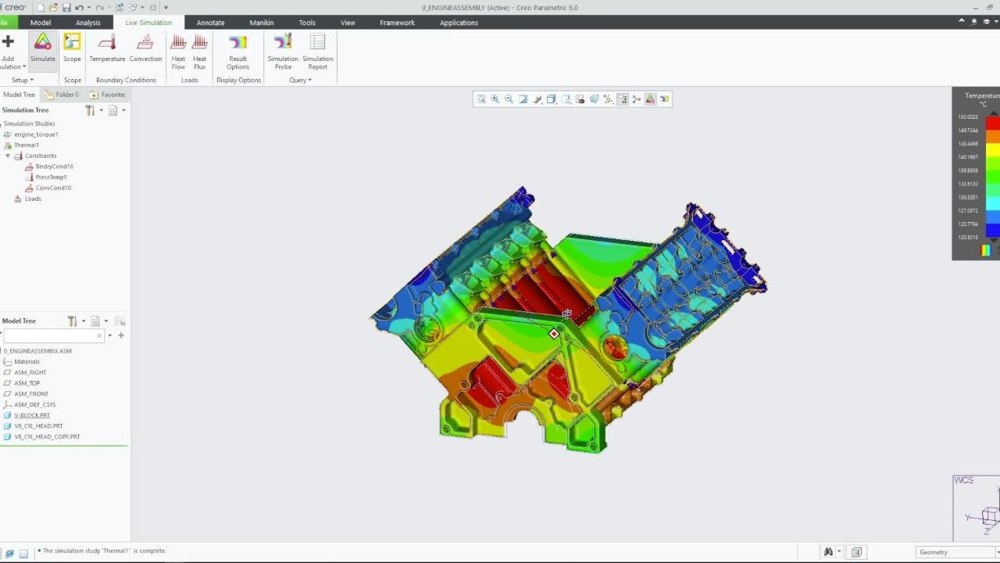
Official PTC recording · 2019 · Thermal Analysis in Creo Simulation Live
See a thermal study in the modeling environment. Before comparing a geometry change, agree how heat enters and leaves the model and which material information matters to the interpretation.
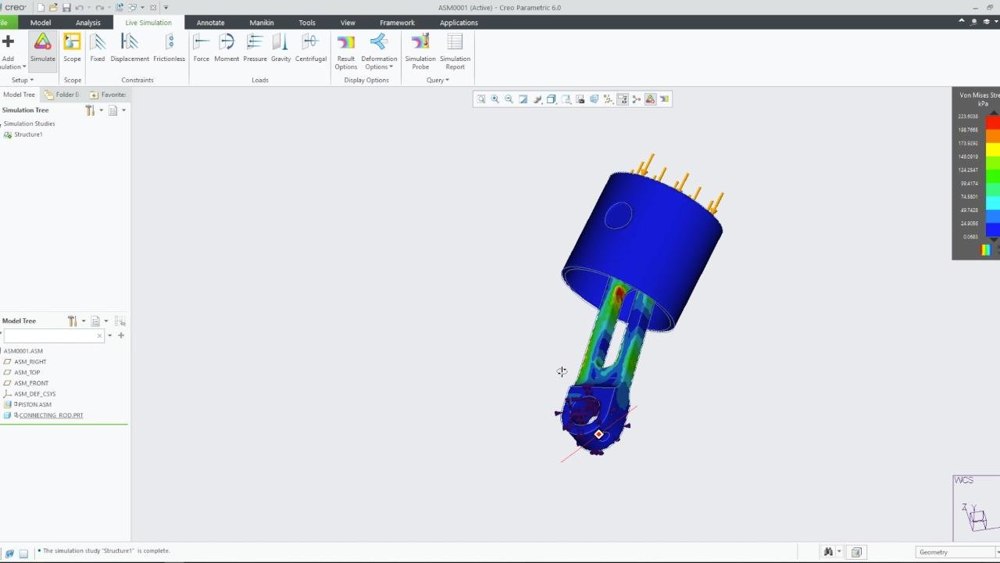
Official PTC recording · 2019 · Structural Analysis in Creo Simulation Live
Watch the structural workflow and consider how loads and restraints shape the predicted behavior. Keep a record of the setup when deciding whether a changed feature is an improvement.
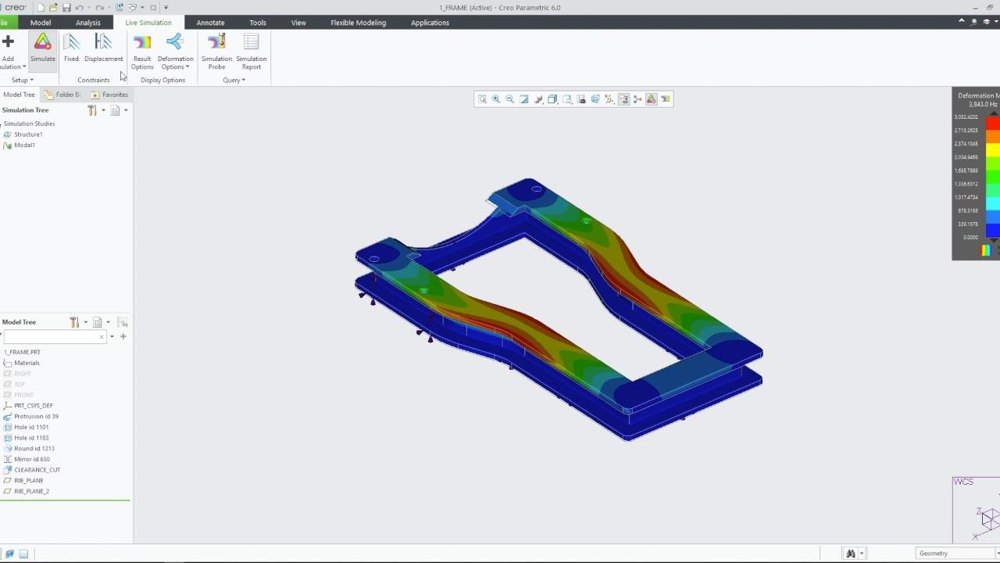
Official PTC recording · 2019 · Modal Analysis in Creo Simulation Live
Review the modal demonstration as an introduction to frequency and mode-shape investigation. Use the modeled supports and material definition deliberately; a mode shape is not an operating vibration amplitude.
Official PTC recording · 2020 · Fluid Simulation Study: Computational Fluid Dynamics in Creo Simulation Live
Use this second official flow recording to look at the study workflow as a whole. Define a representative scenario before evaluating results, and confirm the Advanced offering and current supported capabilities.
Use the product reference for scope, the comparison guide for analysis depth and the portfolio brochure for the wider Creo context. These are technical reading aids; confirm the proposed release, package and workstation before an evaluation.
A three-page 2024 reference covering interactive structural, thermal, modal and Advanced fluid-flow scope. It also records dated GPU requirements; check current platform support rather than treating those specifications as a purchase recommendation.
Which physics and workstation requirements apply to the proposed environment?
Use this portfolio comparison to prepare questions about study depth and product selection. Match the tool to the engineering decision and check the current offering with TriStar.
Use this reading in your evaluation
What needs to pass from design exploration into detailed analysis?
Place the simulation discussion alongside modeling, definition and manufacturing work. Build a short list of required capabilities before comparing packages or delivery options.
Use this reading in your evaluation
Which adjacent modeling or manufacturing capability does your team need?
Continue with a different physics question when the design calls for it.
Illustrative applications connect the design-feedback workflow to the questions teams can prepare for a representative evaluation.
Scroll or swipe to explore all 5 industries. Use Tab to reach each industry link.

Explore a component direction before a program-specific verification process. Retain model identity and assumptions; illustrative simulation capability is not program certification. Real-time design guidance in context Which assumptions must be carried into the formal review?

Vehicle programs coordinate components across packaging, supplier and manufacturing constraints. Use this setting as a practical example when using real-time simulation feedback to compare early design changes. Which product interface and review criteria should guide the evaluation?

Compare a support, housing or thermal design while equipment geometry is still being developed. Agree the operating assumptions and identify what the next detailed study must resolve. Real-time design guidance in context Which geometry choice has the most useful comparison question?

Investigate a thermal, structural or Advanced flow question in an enclosure or compact assembly. Define relevant heat paths, supports and operating conditions before comparing alternatives. Real-time design guidance in context Which operating condition could change the preferred design?

Device teams work within defined design controls and documented review responsibilities. Use this setting as a practical example when using real-time simulation feedback to compare early design changes. Which product interface and review criteria should guide the evaluation?
Clarify the product, workflow and review boundaries before evaluating your own model.
No. Simulation Live focuses on interactive design feedback; Creo Ansys Simulation provides a different workflow for more detailed studies. Select the analysis depth and product around the question, release and entitlements.
Start with the actual design question. PTC documents structural, thermal and modal work, with fluid-flow capabilities in Simulation Live Advanced. Confirm current support for the proposed release and offering.
No. Interpret results against the study assumptions and applicable requirements. Keep engineering approval, manufacturing effects, operating variation and appropriate physical verification in the review plan.
The linked 2024 datasheet records dedicated NVIDIA CUDA graphics and video-memory requirements. Hardware support can change, so confirm current certified requirements for the proposed release before selecting a workstation.
The six official recordings were published in 2019–2020. They illustrate the design-feedback approach and selected physics workflows; their interface and capability scope may differ from a current installation.
Bring a representative model, one geometry change, material and operating assumptions, a comparison question and the evidence the next reviewer needs. Include the person who owns the design decision and any specialist analysis handoff.
Choose a representative part, a performance question and the assumptions your team needs to understand.
TriStar can help frame an evaluation and clarify product scope, licensing, workstation requirements and the next analysis handoff.
 Creo Simulation Live