Structural
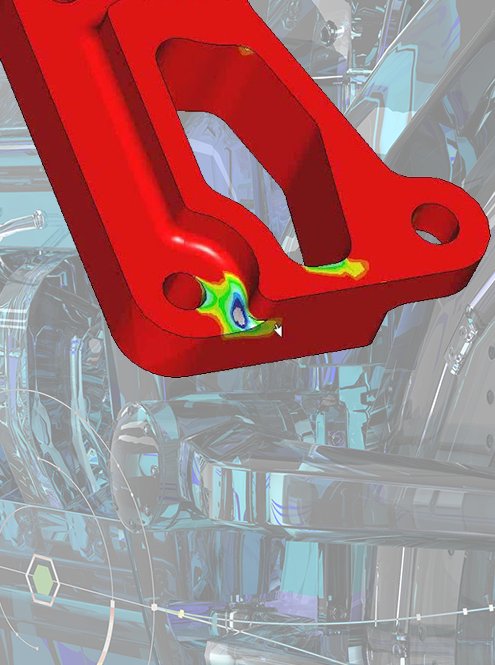
Investigate deformation and stress under a defined loading scenario. Model the way the component is held and how forces enter the assembly.
What load path needs closer investigation?
Investigate structural, thermal and vibration questions in the context of your CAD model. Connect an engineering question to a defined study, review the evidence and decide what to change next.
Explore simulationSimulation represents a physical question with a digital model. Creo’s finite element analysis tools help engineers investigate how a part or assembly responds to selected loads, temperatures and vibration conditions before committing to a design direction.
The model’s usefulness depends on its assumptions. Define materials, contacts, restraints and operating conditions, then assess the result against the question you set out to answer. Simulation supports engineering judgment and the appropriate physical verification; it does not remove those responsibilities.
Simulation Capabilities in CreoBrochure · PDF · 9 pages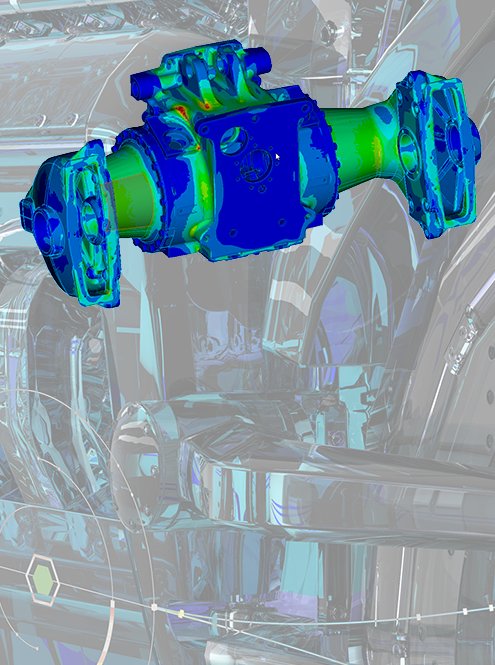
Investigate deformation and stress under a defined loading scenario. Model the way the component is held and how forces enter the assembly.
What load path needs closer investigation?Study temperature distribution and heat transfer under specified thermal conditions. Consider how the environment, heat inputs and material properties affect the question.
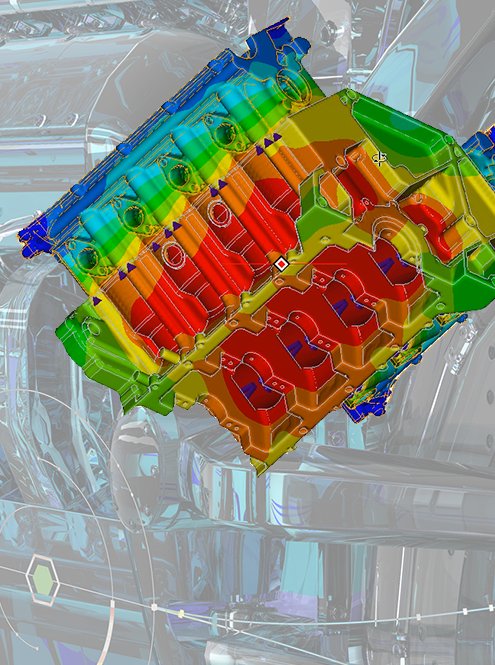
Which operating temperature affects the design?Examine natural frequencies and mode shapes to understand vibration behavior. Relate the model to the relevant supports, masses and excitation environment.
Which vibration condition should the team review?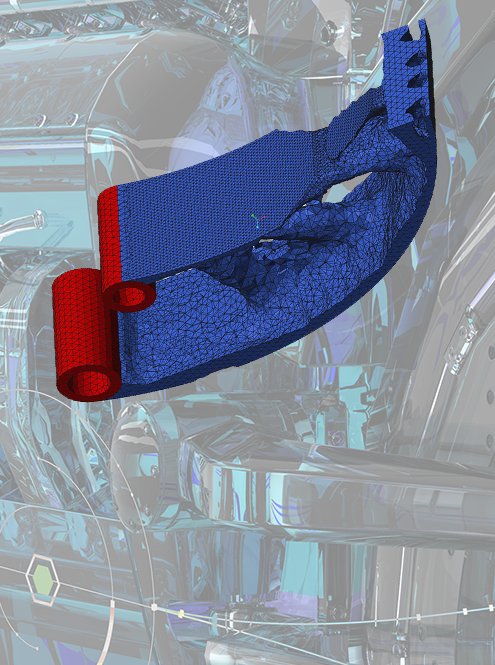
Evaluate structural, thermal and modal behavior in a CAD-connected workflow. Define a representative study and use its results to investigate the design before choosing the next iteration.
Agree geometry idealizations, material data, loads and restraints. Review mesh and convergence behavior, then interpret the result in the context of the chosen assumptions. Confirm the supported analysis types for the selected release and license.
Extend the study when material behavior, contact or deformation makes a simpler approximation insufficient. Advanced analyses require an appropriate model and a clear explanation of why the added complexity matters.
Identify the nonlinear mechanism and the expected operating range. Review the supported material, contact, thermal or dynamic capabilities in the proposal; plan solver settings and checks with the responsible analyst.
Investigate durability questions associated with repeated loads. A fatigue study adds a different perspective to a single-load structural evaluation and relies on suitable loading and material information.
Define the representative load history and material fatigue data, and explain how the study will be interpreted. Review the appropriate fatigue method, assumptions and physical evidence rather than treating a predicted result as a universal service-life guarantee.
Interactive design feedback, Ansys-powered studies and specialist simulation tools have distinct capabilities and service requirements. Use a representative model to compare the required physics, preparation and review workflow. Availability depends on release, package and extensions.
Continue with the simulation method that fits your design question.
Choose a representative component and the operating conditions that matter to your industry.
Scroll or swipe to explore all 5 industries. Use Tab to reach each industry link.

Review a component under defined structural, thermal or vibration conditions, keeping assumptions and acceptance criteria within the project’s engineering process. Simulation in context Which modeling assumptions need independent review?

Vehicle programs coordinate components across packaging, supplier and manufacturing constraints. Use this setting as a practical example when evaluating design behavior with reviewed simulation inputs. Which product interface and review criteria should guide the evaluation?

Investigate structural response and repeated loading in a machine component. Connect the study to assembly supports, interfaces and an operating scenario chosen by the engineering team. Simulation in context Which operating load case should guide the component study?

Investigate enclosure temperatures, mechanical support or vibration behavior around a defined product configuration. Keep mechanical and electronics assumptions coordinated. Simulation in context Which operating condition links the electrical and mechanical investigations?

Device teams work within defined design controls and documented review responsibilities. Use this setting as a practical example when evaluating design behavior with reviewed simulation inputs. Which product interface and review criteria should guide the evaluation?
Clarify study scope, assumptions and review responsibilities before choosing a simulation environment.
It supports engineering investigations of structural, thermal and vibration behavior using a digital model. The selected analysis, model preparation and operating conditions should match the design question.
Simulation Live is an Ansys-powered offering focused on interactive feedback during design. The Simulation Extension provides a different analysis workflow and scope. Confirm study types, licensing, hardware and the proposed release before comparing them.
Consider it when the question requires supported nonlinear or other advanced behavior beyond the intended core study. Explain the physical mechanism and review the required capabilities with an experienced analyst.
Predictions depend on the loading history, material information, modeling choices and method. Engineering interpretation and appropriate physical evidence remain necessary when establishing durability requirements.
No universal inclusion is implied. Confirm the selected release, package, extensions and equipment requirements with your proposal. The linked documents help frame the discussion.
Bring a representative model, the engineering question, expected operating conditions, available material data and the decision the study should support. Include the person responsible for reviewing the evidence.
Tell us about the component, operating conditions and design decision you need to investigate.
TriStar can help scope the tools, representative model and evaluation around your engineering team.