
Keep the assembly understandable.
Keep a shared view of the product when responsibility is divided across parts. A colleague should be able to locate the relevant components and understand how a local change affects the surrounding assembly.

Bring parts, assemblies and engineering decisions into a working environment your team can grow with. Explore Creo around the people sharing the product, the changes they make and the work they pass forward.
Explore your team’s workflowA small engineering team often divides one product across several people. Creo provides a common CAD environment for that work; shared references and clear handoffs help each contributor understand how their part fits the assembly.

Begin by mapping who authors, reviews and receives the definition. Keep everyday modeling responsibilities separate from specialist work that only one person may need to perform.
Establish the model, assembly and deliverables.
Bring the receiving person into the discussion.
Add specialist scope around an actual need.
These six considerations describe what a small team needs from its working method. The capability slideshow explains the tools, and the suite comparison addresses specialist access.
Keep a shared view of the product when responsibility is divided across parts. A colleague should be able to locate the relevant components and understand how a local change affects the surrounding assembly.
Build on established modeling practices as new responsibilities appear. Assign ownership for a new task before expanding the toolset, so the change develops the team’s working method as well as its access.
Make the expected deliverable consistent across authors through shared templates and conventions. Client requirements and the team’s review process still determine what the definition must contain.
Carry established design intent into related work. Document which assumptions and interfaces remain valid so another team member can adapt the model deliberately.
Make readiness visible to the next person. Agree the review point and required output early, rather than relying on a designer’s completion of the model as the handoff.
Reduce uncertainty between contributors by agreeing what the recipient needs to inspect or edit. The Multi-CAD capability below addresses formats, versions and the geometry retained in an exchange.
These six capability areas support different engineering questions. Start with the task and its intended output, then confirm the relevant package, extension and data workflow.
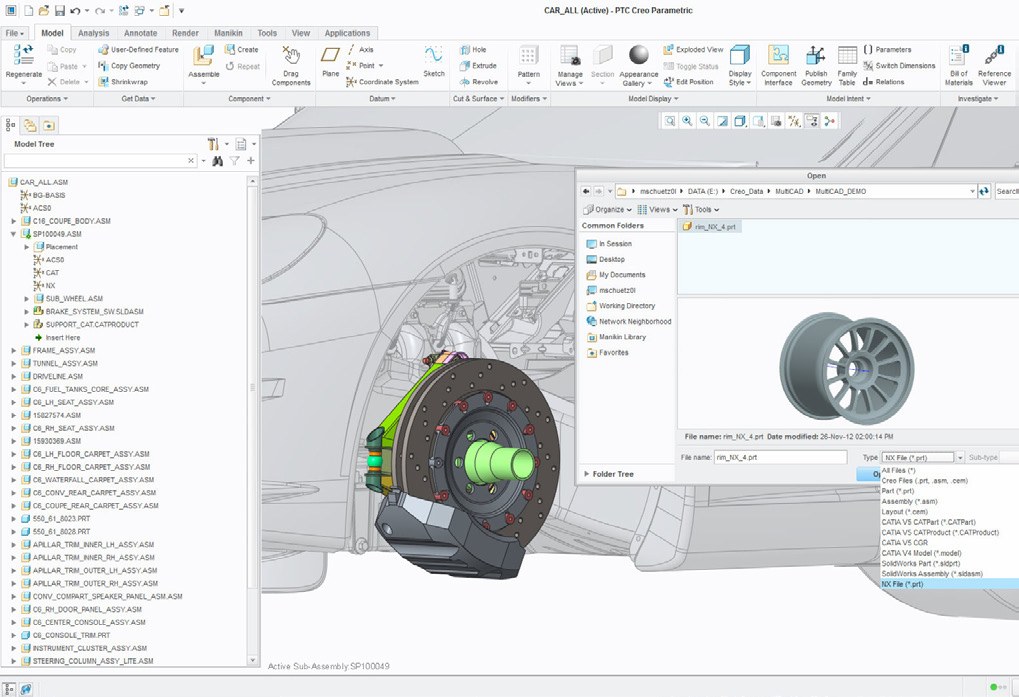
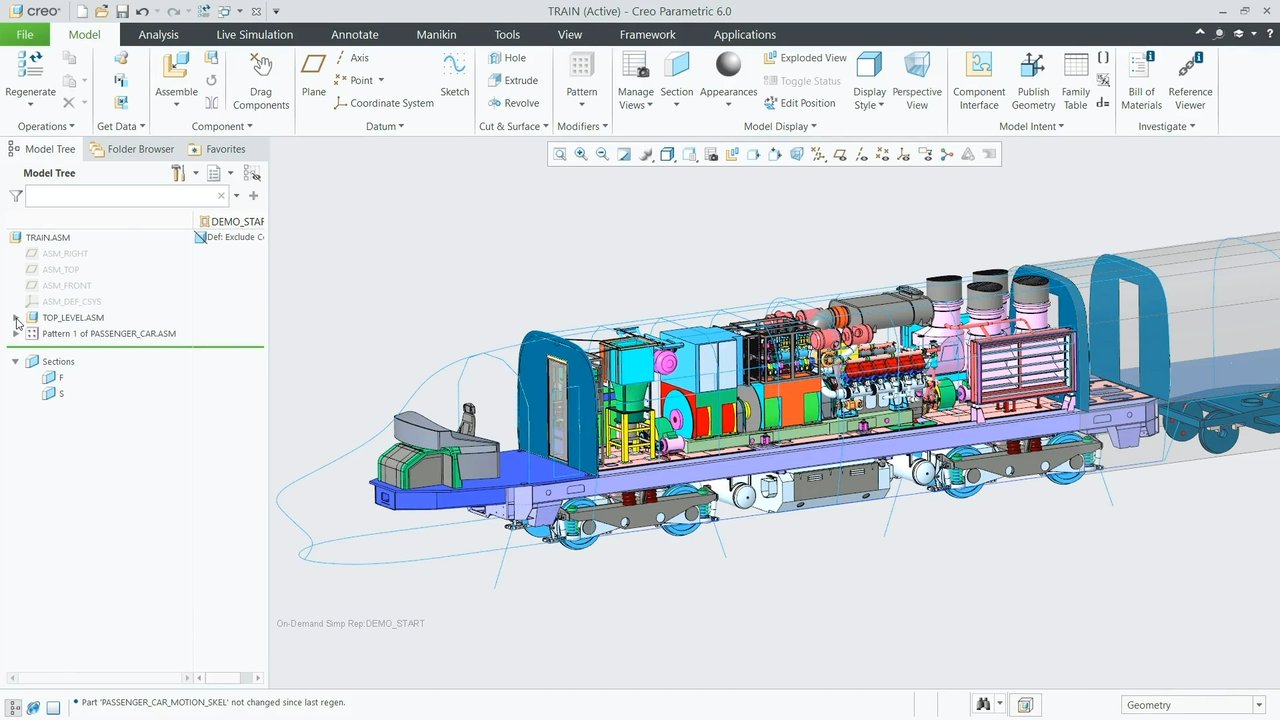
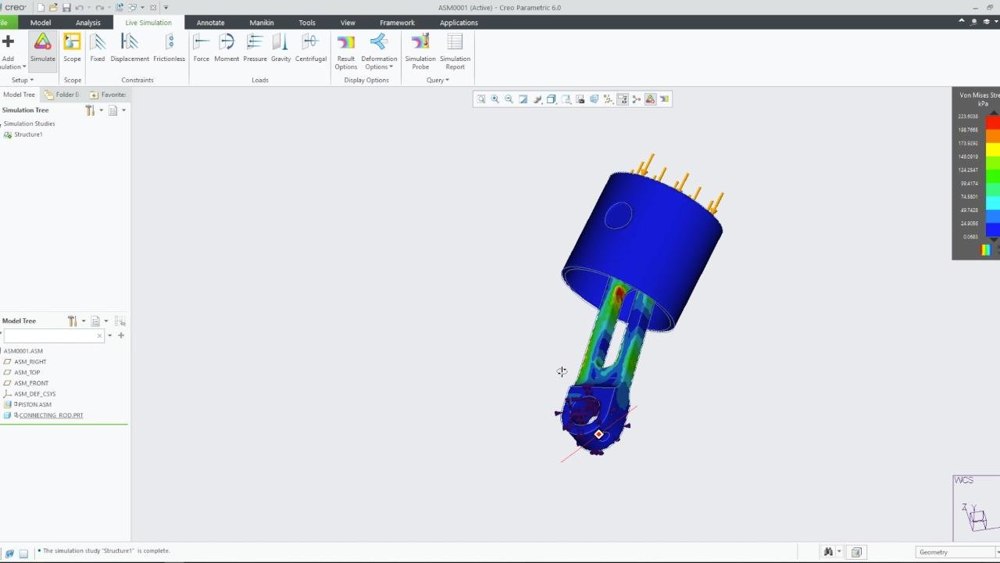
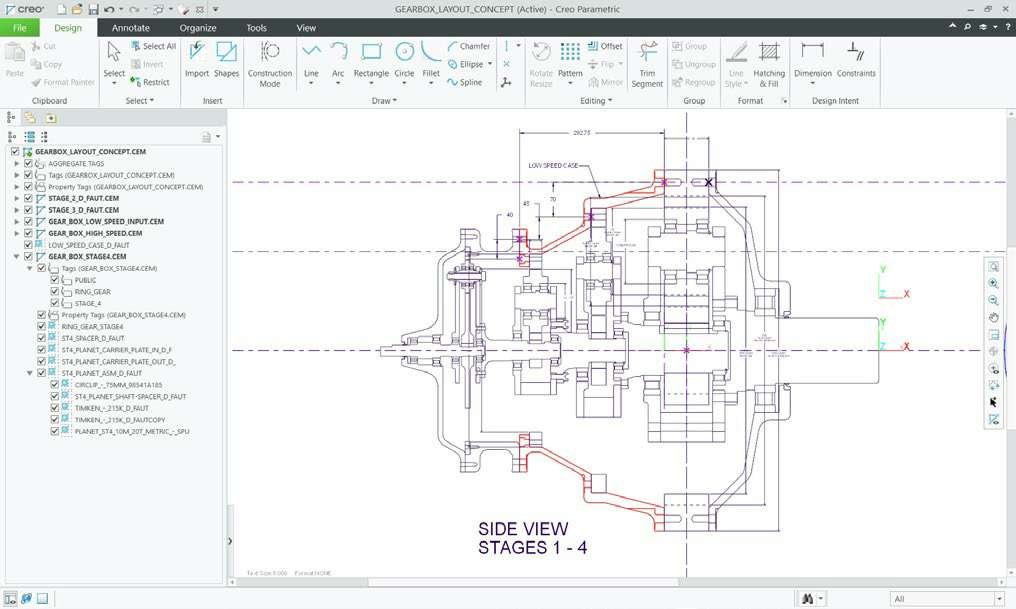
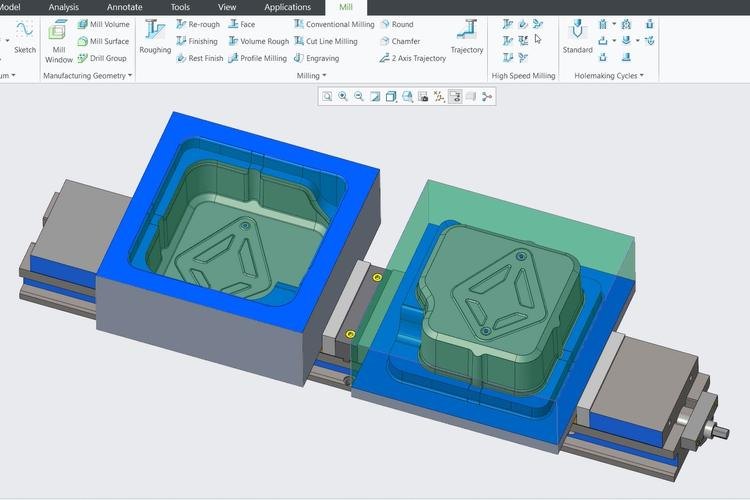
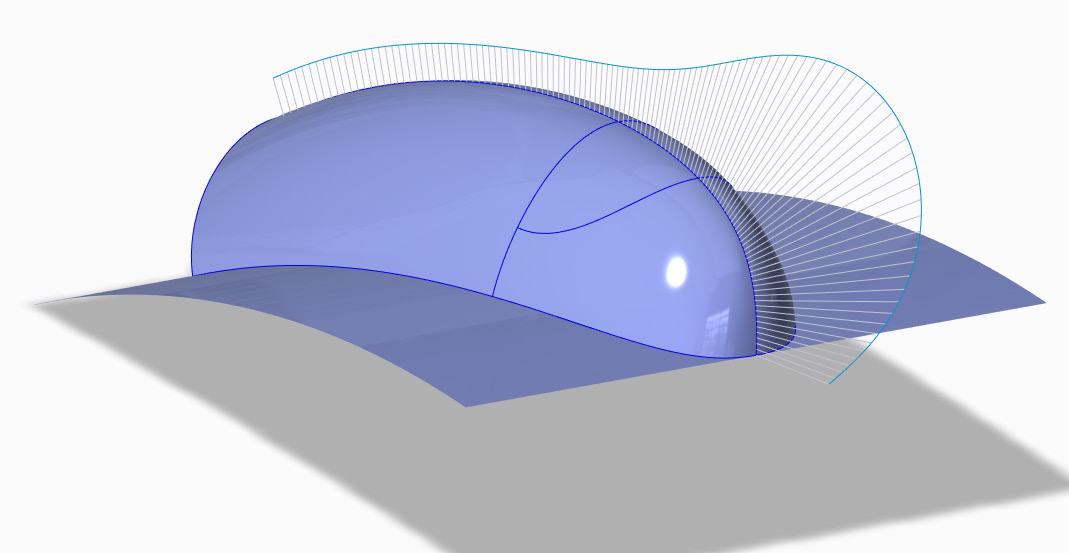
Explore how the team can work with shared geometry and early feedback.
Use the Design Essentials foundation for routine CAD work, then allocate specialist suites by discipline. The comparison below focuses on who owns each additional deliverable.

Start with the parts, assemblies and documentation created routinely. Assign the specialist responsibilities below to the people who will author and review those outputs.
| Specialist direction | Work and tools to evaluate | Decide with your team |
|---|---|---|
 Injection moldingMold & die work | Work and tools to evaluate Consider the Injection Molding Suite and Creo Tool Design Extension for tooling preparation around the product geometry. Review parting definitions, associated drawings and tooling updates. | Decide with your team Who owns the product model, and who is responsible for the tool built around it? |
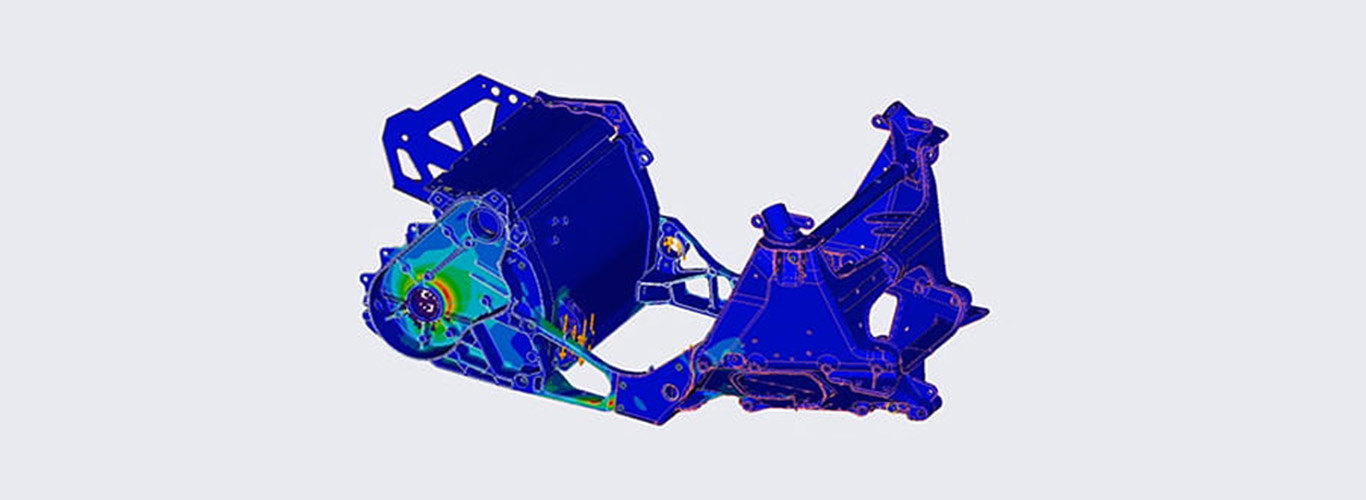 Real-time simulationFeedback during design | Work and tools to evaluate Assign Simulation Live access to the people who run design-time studies. Confirm structural, thermal and modal scope; fluid work may require Advanced. | Decide with your team Which decisions need immediate design feedback, and which require a separate detailed study? |
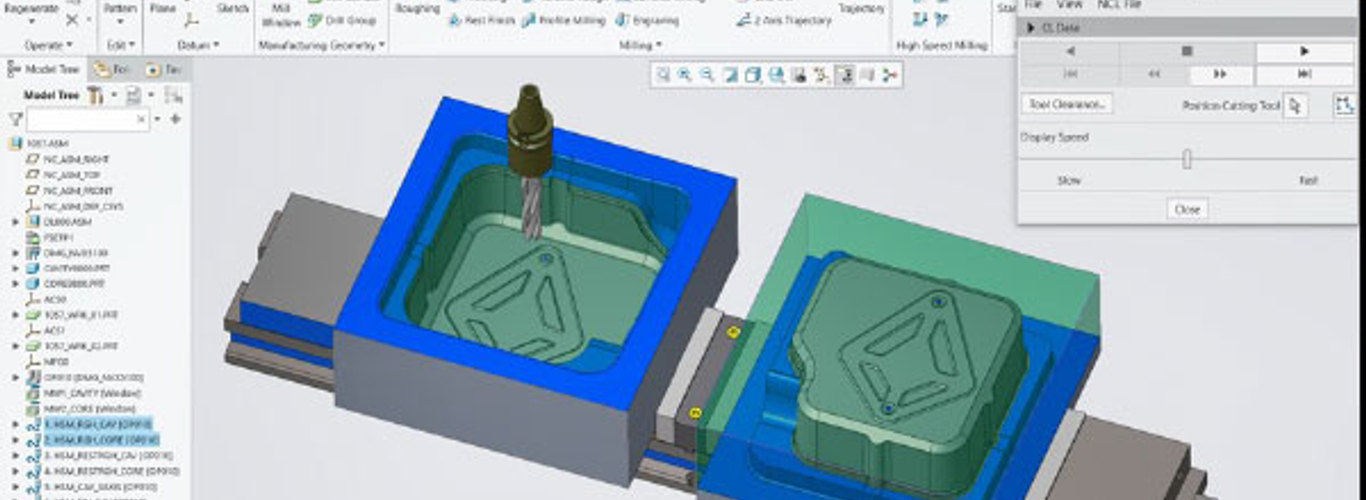 High-speed machiningCAD/CAM preparation | Work and tools to evaluate Scope the Machining Suite for the person who programs the operation. Check whether Creo High-Speed Milling’s three-axis milling and basic holemaking cover the team’s work. | Decide with your team Who prepares the operation, checks its output and approves use in the production setup? |
 Model-based designDefinition in 3D | Work and tools to evaluate The Model-Based Design Suite supports communicating product definition through the model. GD&T Advisor guides tolerance creation; agree which dimensions, tolerances and annotations are required. | Decide with your team How will the receiving team access, interpret and review the model’s definition? |
Confirm current package contents, extensions, release support and commercial availability for the proposed environment. Tool selection, deployment and product data management should be scoped together with the responsible people.
Match the capability set to the way your team is growing.
Frame the team’s workflow around its product and the people who receive the definition. These are starting questions for a Creo evaluation, not preconfigured industry packages.
Scroll or swipe to explore all 5 industries. Use Tab to reach each industry link.

Aerospace teams balance packaging, interfaces and traceable design reviews. Use this setting as a practical example when coordinating CAD work and reviews within a small engineering team. Which product interface and review criteria should guide the evaluation?

Vehicle programs coordinate components across packaging, supplier and manufacturing constraints. Use this setting as a practical example when coordinating CAD work and reviews within a small engineering team. Which product interface and review criteria should guide the evaluation?

A machine team may divide responsibility across frames, mechanisms and purchased equipment. Review how component changes are understood in the assembly and communicated to manufacturing. Assembly ownership Which interfaces must remain clear when several people revise the machine?

Mechanical packaging work involves envelopes, connectors, access and assembly constraints. Establish a reference for supplied electronics and agree how updates enter the mechanical design. Packaging exchange Who confirms that the latest supplied component still fits the mechanical definition?

A device team needs understandable design inputs, reviewed changes and clear deliverables. Scope CAD work alongside the organization’s quality and documentation processes. Reviewed definition Which design decisions and outputs need an explicit review in your process?
Resolve tool scope and shared responsibilities around a representative project.
Several contributors need shared references, consistent templates and agreed handoffs. The CAD tasks can overlap with solo work, but responsibility for the product is distributed.
Match the proposed offering to each person’s responsibilities and the information others need to use. Confirm package contents, licensing and access arrangements with TriStar before selecting a setup.
Evaluate representative legacy and supplied data in the intended versions and formats. Check references, translation, editability and receiving outputs; successful opening of a file does not by itself verify the full workflow.
Agree data ownership, revision practices and any PDM integration separately from CAD capabilities. Review the proposed Creo or Creo+ environment and connected systems rather than assuming every data-management function is included.
Bring a typical assembly and an example change, with the people who author, review and receive the affected output. Include relevant workstation, deployment and training requirements.
Tell us what you design, who contributes and where work slows between people.
TriStar can help scope a Creo evaluation around your product, tools and working environment.