Engineering calculations / Mechanical engineering

Mechanical Engineering
Calculations Software

Make the reasoning behind a mechanism visible. Connect physical assumptions, equations and operating conditions to the decision your team needs to make.

Explore mechanical calculations
Mechanical study of a supported linkage and spring, with construction guides showing the relationship between geometry, movement and loading.
Geometry, loading and responseGive the mechanism a method.
Start with the physical question

Understand the mechanism.
Explain the decision.

Mechanical calculations translate geometry, material behavior and operating conditions into a mathematical description of a design. A Mathcad Prime worksheet brings equations, units, plots and explanation together, so the reasoning can be read alongside the result. Start by defining what the model represents: a component, a mechanism or one part of a larger system.

Explore Mathcad Prime
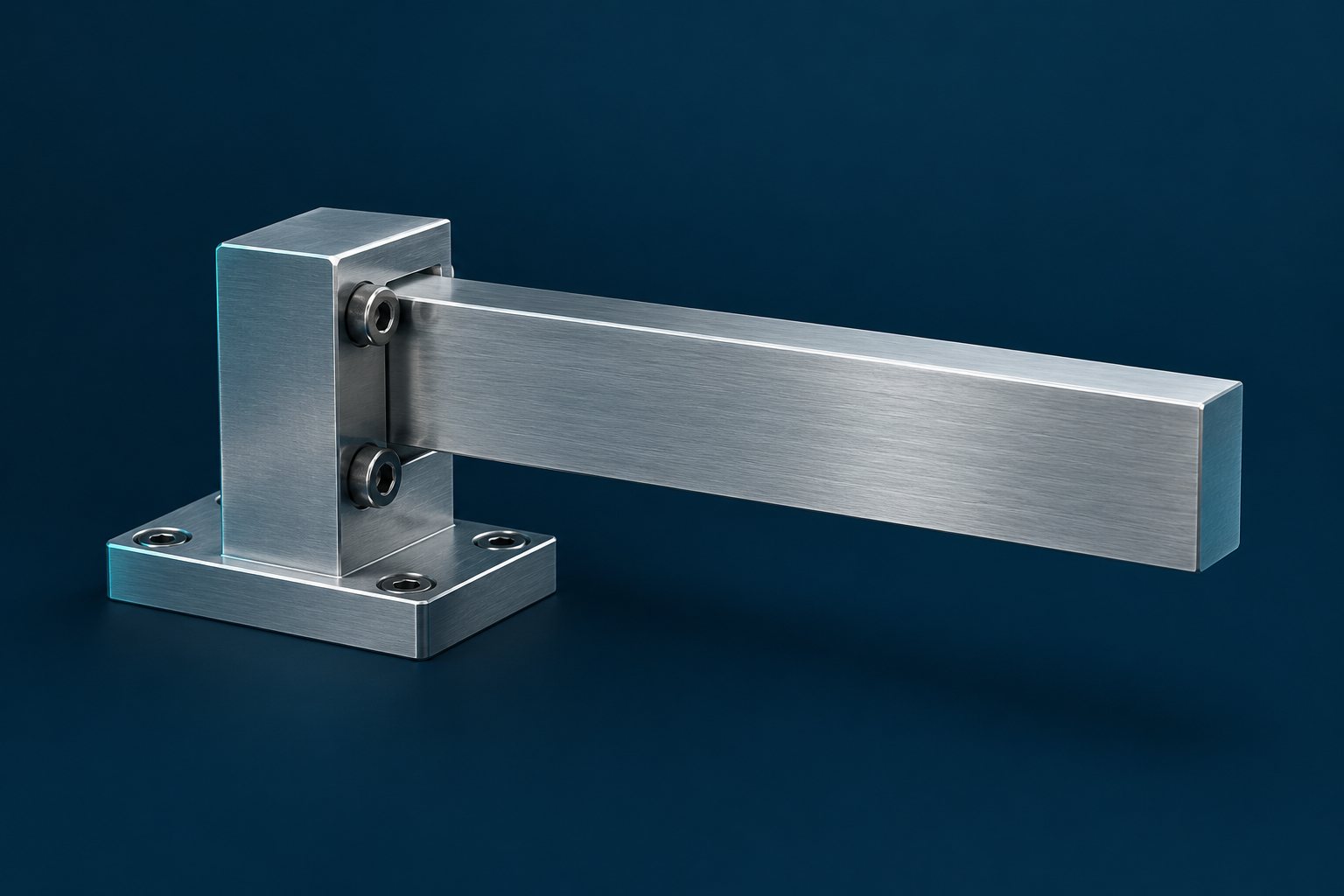
A cantilevered metal arm secured to a mounting bracket against a navy background.
Set the model boundary
Identify the load cases, material data, supports and simplifications that matter to the question being investigated.
Define the comparison
State the requirement and verification criteria before interpreting the calculation. Engineers determine whether the method fits the design.
Reasoning that travels with the work

Make the method readable.
Keep the handoff useful.

A worksheet is useful to a team when another engineer can understand how it was assembled and where it can be applied. Keep three practical review needs in view.

Keep physical quantities visible

Assign relevant units to inputs and retain their meaning through the mathematical relationships. Dimensional checking supports review when those units are supplied.

Keep a supplier dimension in millimeters distinguishable from a working length in meters.

Explain why a value was chosen

Place the data source and rationale beside the expression that uses them. A reviewer can then question an assumption without reconstructing its origin.

Record why a particular material property or operating temperature was used.

Reuse a method with its limits

Save the explanation and comparison case with the worksheet. A new project still needs a review of its inputs, applicability and expected behavior.

Revisit the method before applying a component calculation to a different duty cycle.

Five physical questions

Follow the physics.
Choose the right model.

The question determines the equations. These readings show different mechanical contexts for a documented calculation, rather than treating every problem as the same type of analysis.

Loads, stress and deformation

Relate applied forces and moments to a defined component model. Explain the support conditions and material assumptions before comparing stress or displacement with the chosen criteria.

Review focus

Which load case governs the comparison?

Mechanisms and motion

Describe how a linkage position relates to travel, velocity or acceleration. State the geometry, coordinate convention and imposed motion so another engineer can follow the relationship.

Review focus

What moves, and relative to which reference?

Vibration and dynamic response

Use an appropriate mass, stiffness and damping model to investigate response. Differential-equation methods require defined initial or boundary conditions; those conditions belong with the plotted behavior.

Review focus

What excitation and conditions define the response?

Heat transfer and expansion

Organize a thermal balance or expansion relationship for the chosen operating case. Distinguish an absolute temperature from a temperature difference and retain the assumed heat-transfer path.

Review focus

Where does heat enter, leave or accumulate?

Flow and pressure relationships

Work through a flow or pressure-loss model with its geometry, fluid properties and operating assumptions. Explain why the chosen relationship applies to the conditions under investigation.

Review focus

Which flow conditions make the model applicable?

Choose where the calculation belongs

A worksheet has a purpose.
Each system has a role.

Authoring the method, connecting selected CAD parameters and controlling a document are separate responsibilities. Plan the handoff around the information your team needs to retain.

The working worksheet

Mathcad Prime

Develop mathematical relationships, examine alternatives and document the reasoning in a standalone worksheet. Keep the chosen solver setup, constraints and comparison cases with the method.

Explore Mathcad Prime
Selected CAD parameters

Creo Engineering Notebook

Designate worksheet inputs and outputs in a supported Creo environment. Update Inputs and Save and Push are deliberate actions; output changes may require model regeneration. Confirm the Creo release and package entitlement before planning this workflow.

Compare calculation workspaces
The controlled worksheet

Windchill

A configured Mathcad Workgroup Manager connection supports worksheet check-in and checkout. Agree document ownership, access and review responsibilities with your team; the worksheet does not establish those processes by itself.

Explore Windchill workflows
Develop the worksheet

A clear presentation.
A considered update.

Mathcad Prime 12 brings plotting and notation changes relevant to a mechanical worksheet. Try them with a familiar example before deciding how an update fits your team.

Explore Mathcad release updates
Label the relationship
Native 2D plots support plot titles, axis titles, gridlines and legends. Give a displacement or response curve enough context to be read on its own.
Maintain the identifiers
Find and replace identifiers with subscripts when editing a worksheet. Review the intended naming changes as part of maintaining the method.
Engineering in practice

Different equipment.
Specific operating questions.

Choose one bounded engineering question to begin a discussion. These examples connect a mechanical calculation to the wider product or equipment context.

Modular automated machinery with a conveyor and guarded workstation in a clean factory.

Industrial machinery

Engineering question
Compare the required motion of a handling linkage across selected positions in its operating cycle.
Keep in the brief
Retain the reach, payload and support assumptions used for the comparison.
Explore industrial machinery
Vehicle cutaway showing the battery platform, suspension and blue cooling circuits beneath a translucent body.

Automotive

Engineering question
Examine a cooling-path pressure-loss estimate for a defined vehicle subsystem operating point.
Keep in the brief
Record the fluid properties, passage geometry and flow condition being assessed.
Explore automotive engineering
Onshore wind turbines across rolling hills.

Energy & resources

Engineering question
Investigate the dynamic response of an equipment support using a chosen simplified model.
Keep in the brief
Keep the excitation, stiffness, damping and scope of that model with the calculation.
Explore energy & resources
Before the next discussion

Clear boundaries.
A practical next step.

Define what the worksheet should explain before choosing the surrounding workflow.

Does a calculation worksheet replace CAD or simulation?

No. A worksheet explains mathematical relationships; CAD defines geometry, and specialized simulation can address other aspects of behavior. Choose the assessment methods required for the engineering question.

What affects an equation-solving result?

The equations, constraints, solver choice and setup matter. Depending on the method, review guess values, tolerances or initial and boundary conditions, then compare with an appropriate known case.

Does a standalone Mathcad license include Creo Engineering Notebook?

Do not assume so. For Creo 12.4 and later, Engineering Notebook uses the entitlement in supported Creo packages. Standalone Mathcad licensing remains separate for calculations outside Creo.

What makes a useful first conversation with TriStar?

Bring one calculation, its geometry or sketch, relevant source data and the decision it informs. Include the current review process and the people responsible for the next handoff.

Your next mechanical design decision

Start with one question.
Keep the reasoning.

Talk with TriStar about a mechanical calculation your team needs to explain, review or carry into the design process.

Start a conversation

What would you
like to connect?

Select a priority to start the conversation.

Choose a priority above.