
Show the work.
Shape the design.
Give the next design decision a method people can follow. Bring assumptions, equations and units together, then carry selected values into the model with the reasoning intact.
Explore the calculation workflow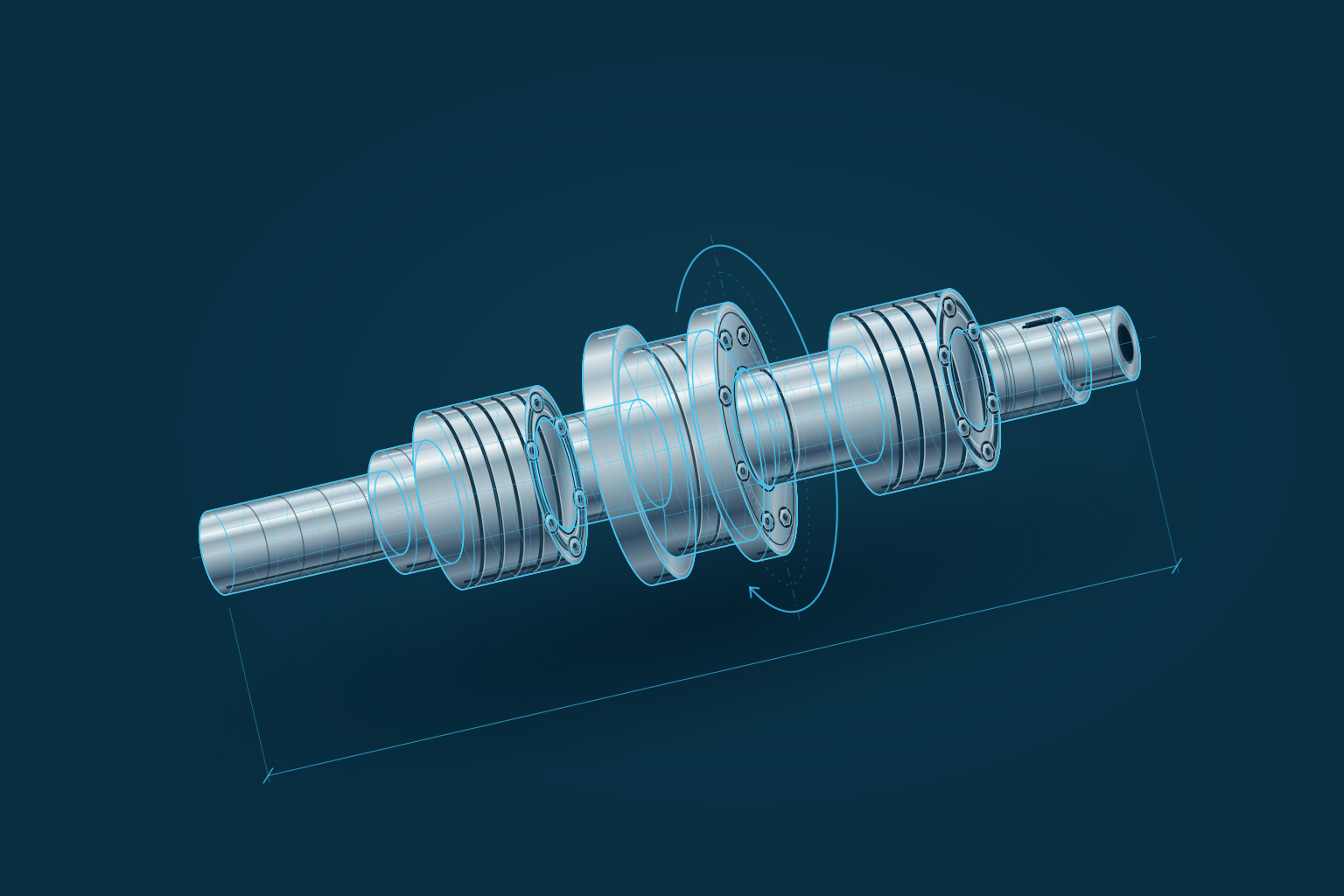
Engineering questions.
Answerable methods.
Use mathematical relationships to investigate a design before—and alongside—detailed modeling. Size a component, examine an operating condition or compare alternatives with a documented basis for the decision.
From torque to a diameter.
Keep the relationship in view.
Follow a solid shaft’s torsional sizing method. Choose a perspective to see the conditions, the equation and the selected parameter that a CAD model can use.
Two workspaces.
Different places for the math.
| Workspace | Working context | Next step |
|---|---|---|
PTC Mathcad PrimeStandalone calculations | Write, solve and explain engineering math in reusable worksheets. Mathcad Prime brings natural notation, units, numerical and symbolic calculations, plots and documentation into a dedicated workspace. | Explore Mathcad Prime |
Creo Engineering NotebookCalculations inside Creo | Keep a Mathcad-powered worksheet with a Creo model. Map designated input and output regions to model parameters when a calculation should inform geometry. | Explore Creo |
What should we check before connecting the notebook?+
Confirm the Creo release, package and supported workflow. In Creo 12.4 and later, Engineering Notebook requires the included feature in Design Advanced (T2) through Design Engineering Professional (T5); a standalone Mathcad license does not enable that notebook. Embedded worksheets are accessed through Creo.
Discuss your software environmentA focused first discussion.
Built around your work.
Bring a representative calculation and the software environment it needs. We’ll use them to scope a useful evaluation.
What to bring
- One calculation
An existing worksheet or spreadsheet, the question it answers and the method behind it.
- Relevant design context
The model, parameters, Creo release and supporting data the work depends on.
- Review and reuse
Who checks the work, how it is reused and what stays with the selected design.
Make the reasoning
part of the design.
Let’s discuss the calculation work your team needs to carry forward.
Start a conversation