Engineering calculations / Electrical engineering

Electrical Engineering
Calculations Software

Connect the circuit question to the reasoning behind it. Keep equations, operating conditions and the meaning of each result in view.

Explore electrical calculations
Original electrical engineering illustration connecting an AC circuit to a sinusoidal response drawing.
Circuit, method and responseKeep the reasoning connected.
Start with the engineering question

Electrical questions.
Engineering context.

A circuit drawing shows how parts connect; the calculation explains the behavior you expect from that connection. Mathcad Prime gives engineers a place to work through the mathematics with equations, plots and explanatory text in one worksheet. Start with a component or subsystem question, then connect the mathematical study to the product being developed.

Explore Mathcad Prime
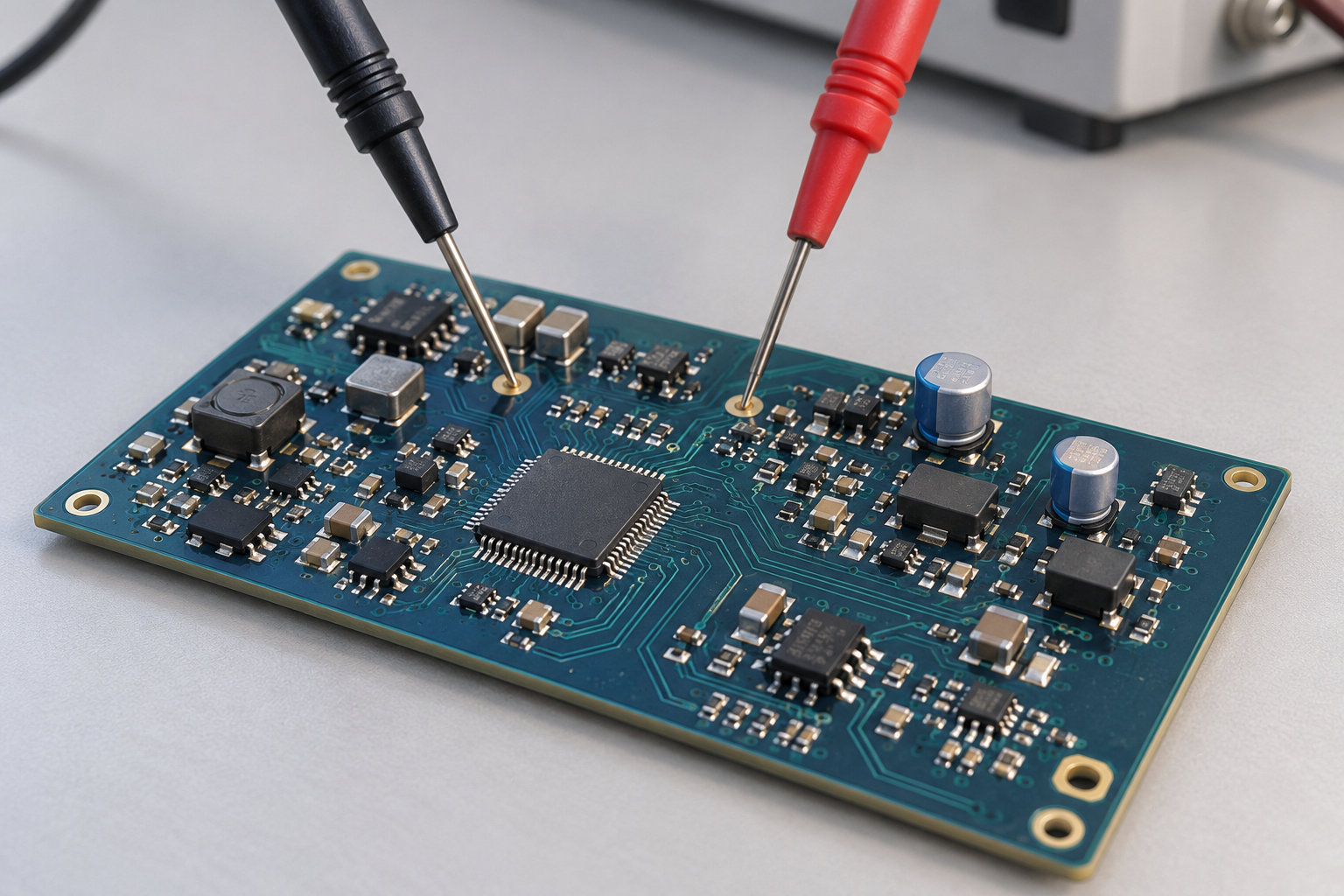
Two test probes contact separate points on a populated circuit board.
Connect the physical circuit to a clearly defined engineering question.
The product question
Begin with the behavior that matters to the design, such as the response expected at a sensor interface.
The mathematical study
Choose which part of that behavior the worksheet will describe and what remains outside its scope.
From quantities to behavior

What are electrical
engineering calculations?

Electrical engineering calculations use mathematical relationships to describe electrical quantities and how a circuit or system responds. Depending on the question, the result might be a current, a voltage ratio, a power requirement or a response over time or frequency.

A filter study connects component choices to the electrical response at its output.
  1. Identify the inputs

    For a simple resistor-capacitor filter, identify the resistance, capacitance and input frequency, and state where the output is taken.

  2. Choose the relationship

    Use the selected circuit model to relate those values to the quantity being investigated.

  3. Interpret the response

    Examine how output magnitude or phase changes with frequency, then relate that behavior to the intended signal range.

The decision behind the calculation

Why are these calculations
important for electrical engineers?

Calculations inform choices before and during development: which component values to investigate, which operating cases to compare and which questions need further assessment. Their importance is the connection between an electrical requirement and the design decision it supports.

Consider the operating range
A single nominal point may not describe the intended use. Compare relevant supply, load or frequency cases to see which conditions deserve attention.
Weigh competing demands
A component change can affect more than one objective. Examine the trade-off being considered, such as power consumption against a required electrical response.
Connect the subsystem
A result answers a question within its model. Decide what the wider product team needs to investigate through specialized analysis, measurements or tests.

The engineer selects the acceptance criteria and decides which additional evidence is needed.

A clearer engineering handoff

Show the method.
Make review practical.

A useful worksheet preserves more than an answer. It gives the next engineer enough context to inspect the reasoning and reuse it appropriately. Explore three ways that context supports a practical team review.

Make quantities explicit

Attach relevant units to variables so conversions and dimensional relationships remain part of the calculation.

Keep milliamps distinguishable from amps when a circuit calculation passes from its author to another engineer.

Review prompt

Which units accompany each supplied value?

Keep assumptions nearby

Place component data, model choices and supporting notes beside the equations a colleague will review.

Show whether a conclusion depends on nominal component data, a tolerance assumption or a selected operating point.

Review prompt

Which assumption most affects this decision?

Carry the context forward

Adapt a reviewed worksheet with its assumptions and limits, then check it against the new operating case.

Keep the intended scope with the saved example so a later project can assess whether its conditions still fit.

Review prompt

Does the new case fit this method?

Five analysis contexts

From operating point.
To system response.

Explore five ways an engineering worksheet can explain electrical behavior, each with its own model, inputs and review focus.

Circuit design and analysis

Document voltage, current and impedance relationships. Complex-number expressions can describe AC magnitude and phase; keep the circuit assumptions and reference convention explicit. State whether source values are RMS or peak before interpreting the response.

Review focus

Review the equivalent circuit.

Control systems modeling

Describe a transfer-function model and examine its response. State the operating assumptions before interpreting frequency or time behavior. Identify the input, output and response measure represented by that model.

Review focus

Define the model and conditions.

Signal processing

Use transforms and filter methods to investigate sampled data. Keep the sampling interval, record length and chosen representation available when discussing the result. Distinguish measured samples from any filtering or other processing applied to them.

Review focus

Connect the data to the method.

Communications

Work through propagation, bandwidth or transmission-line relationships. Explain the model and parameter choices that make a calculation relevant to the link being considered. State the assumed medium and link length when examining propagation.

Review focus

Identify the transmission assumptions.

Energy and power

Compare power dissipation or load assumptions for a defined operating case. Keep source conditions and component data visible when evaluating the result. Separate a nominal load from the other demand cases under consideration.

Review focus

Separate operating cases clearly.

Develop the worksheet

A clearer worksheet.
A current toolset.

Mathcad Prime 12 adds practical plotting and authoring improvements. Explore the release guide for details before evaluating an update with a representative electrical worksheet. A familiar frequency-response worksheet can help your team review presentation and identifier maintenance before wider adoption.

Explain the plotted response

Native 2D plots gain plot titles, axis titles, gridlines and legends.

Refine the notation

Find and replace identifiers with subscripts when maintaining the worksheet.

Engineering in practice

One discipline.
Different operating conditions.

Start with one defined question. These examples show where a documented electrical calculation can support a wider engineering discussion.

Precision electronics assembly with a populated circuit board beneath an inspection head.

Electronics

Operating case
Compare a filter response as selected component values change. For a sensor board, relate the measurement band to the intended noise-rejection goal.
Keep with the calculation
Keep the intended frequency range and component assumptions beside the method.
Explore electronics & high-tech
Modular automated machinery with a conveyor and guarded workstation in a clean factory.

Industrial machinery

Operating case
Compare electrical operating cases for a drive or sensor subsystem. For a motor-driven axis, distinguish steady running from a selected transient condition.
Keep with the calculation
Document the load, supply conditions and questions for the wider machine design.
Explore industrial machinery
Onshore wind turbines across rolling hills.

Energy & resources

Operating case
Organize voltage, current and power relationships for a defined load case. For an auxiliary supply, compare a normal operating point with a higher-demand case.
Keep with the calculation
Keep source assumptions and the boundary of the calculation visible.
Explore energy & resources
Before the next discussion

Clear boundaries.
Useful next steps.

Separate the calculation’s purpose from the tools and checks around it.

Can Mathcad work with AC and complex quantities?

Yes. Complex-number functions support real and imaginary components and phase. For a plot, choose a real-valued representation such as magnitude, phase, real part or imaginary part.

Does unit handling check the whole design?

No. Relevant units support dimensional checking, but the engineer still chooses the physical model, inputs and acceptance criteria.

Where do schematics and specialized simulation fit?

Use the worksheet to explain mathematical reasoning. Schematic, layout and specialized simulation tools retain their own roles in developing and assessing the electrical design.

What should we bring to TriStar?

Bring one calculation, its circuit or system context, a known comparison case and the question your team needs to resolve.

Your next engineering decision

Give the calculation
its working context.

Talk with TriStar about a reviewable approach to your electrical engineering calculations.

Start a conversation

What would you
like to connect?

Select a priority to start the conversation.

Choose a priority above.