Avoid late surprises
Review route space, interfaces and design changes while the surrounding product can still be adjusted.

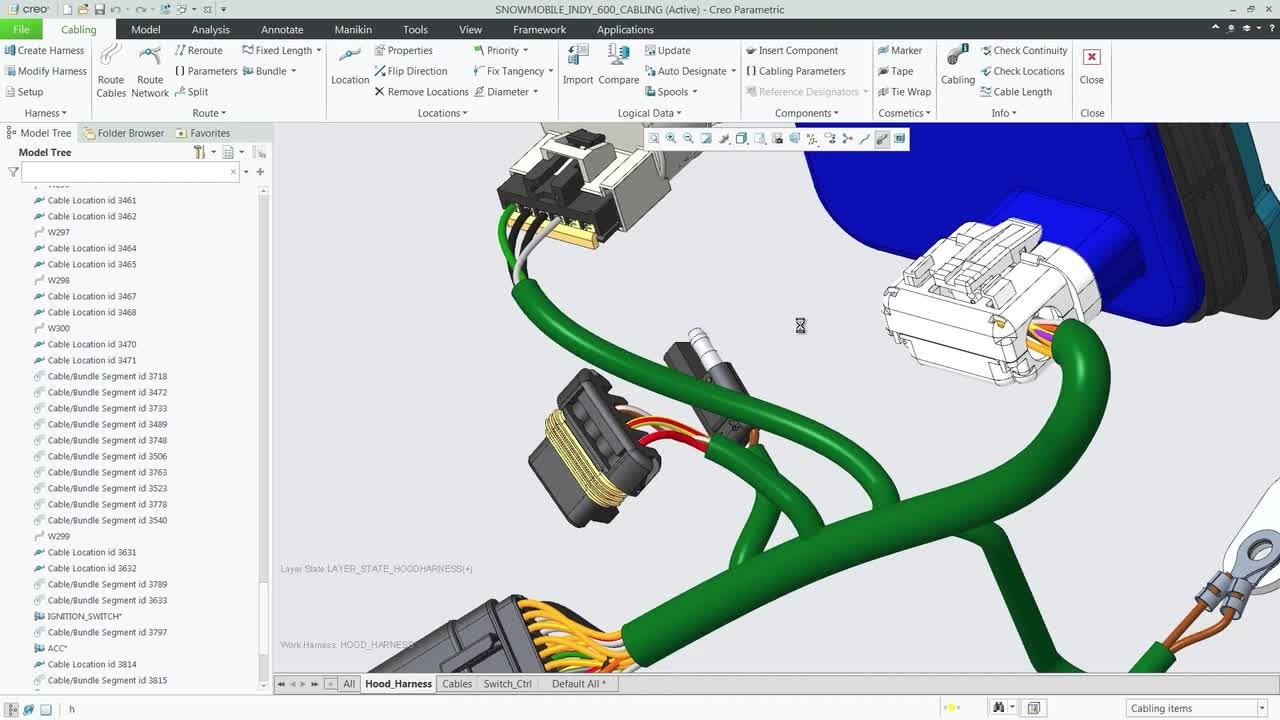
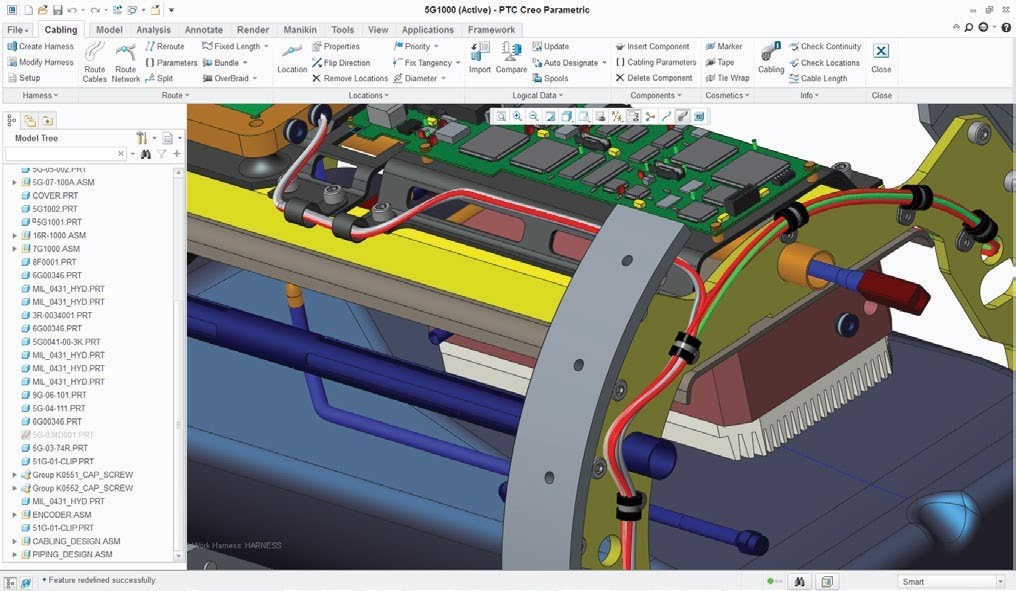
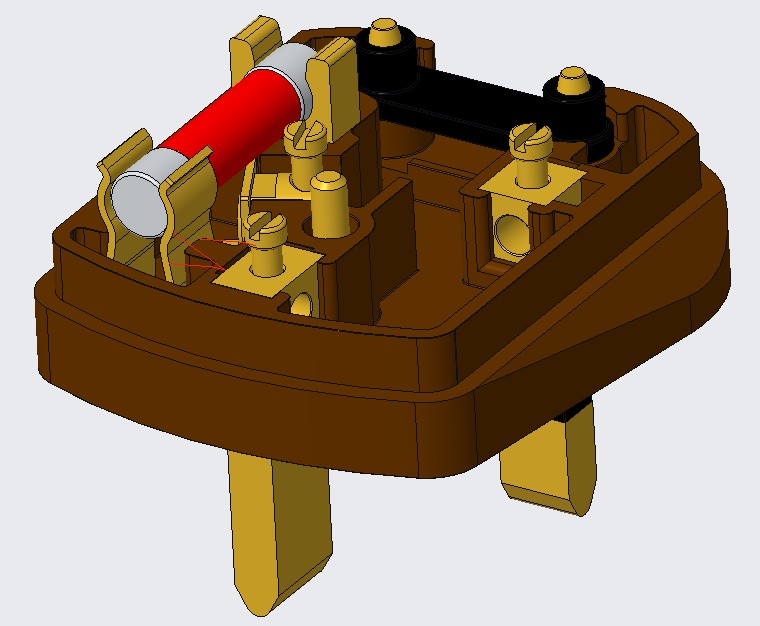
Bring electrical and fluid connections into the mechanical product. Connect schematic intent, 3D routing, electrical-separation review and harness documentation within a deliberate Creo workflow.
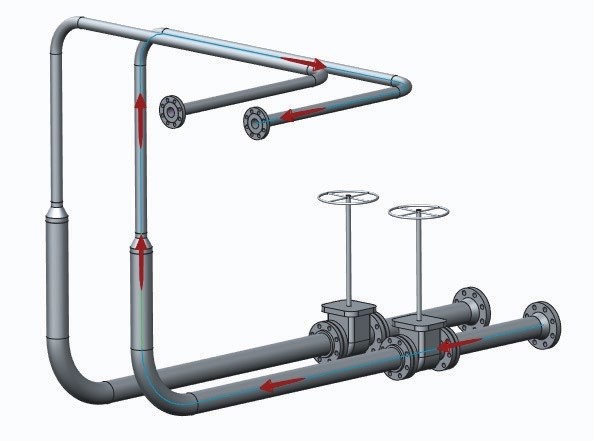
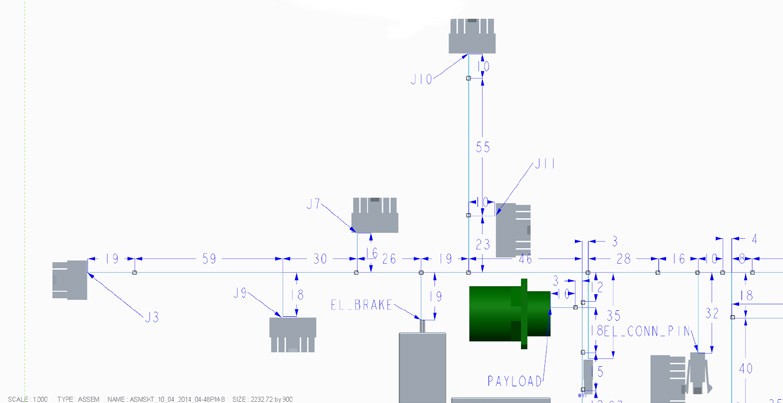
Routed systems design connects the intended electrical or fluid circuit to the space available in a product. In Creo, related tools support the logical definition, the physical cable or pipe route, electrical-separation analysis and the harness manufacturing deliverable.
These are connected engineering tasks, with different inputs and outputs. A schematic describes what should connect; the assembly determines where it can go. The team still needs to review route assumptions, changes and manufacturing requirements before releasing the result.
Review route space, interfaces and design changes while the surrounding product can still be adjusted.
Check the model against the intended connections and the criteria appropriate to the task.
Agree the drawings, tables and model identity the next team needs.
Creo Schematics provides the logical starting point for supported routing workflows. It organizes connectivity and component information so that PCX can use that information when developing the physical cable or piping system.
Process and instrumentation, process flow, HVAC, block, circuit and wiring diagrams describe different kinds of systems. Choose the diagram around the information it must communicate, and agree how component identities and properties will map into the 3D work.
Choose the extension around the engineering task. Explore routing, electrical separation and harness documentation one at a time, then confirm how the proposed products and release support your complete workflow.
Scope the routing tools within the wider design portfolio.
Illustrative applications connect routed-system decisions to the physical product and the people responsible for its review.
Scroll or swipe to explore all 5 industries. Use Tab to reach each industry link.

Coordinate a representative subsystem’s logical connections and physical installation. Retain configuration and review evidence; illustrative routing capability does not imply program certification. Routed systems in engineering context Which installation and review requirements must the model capture?

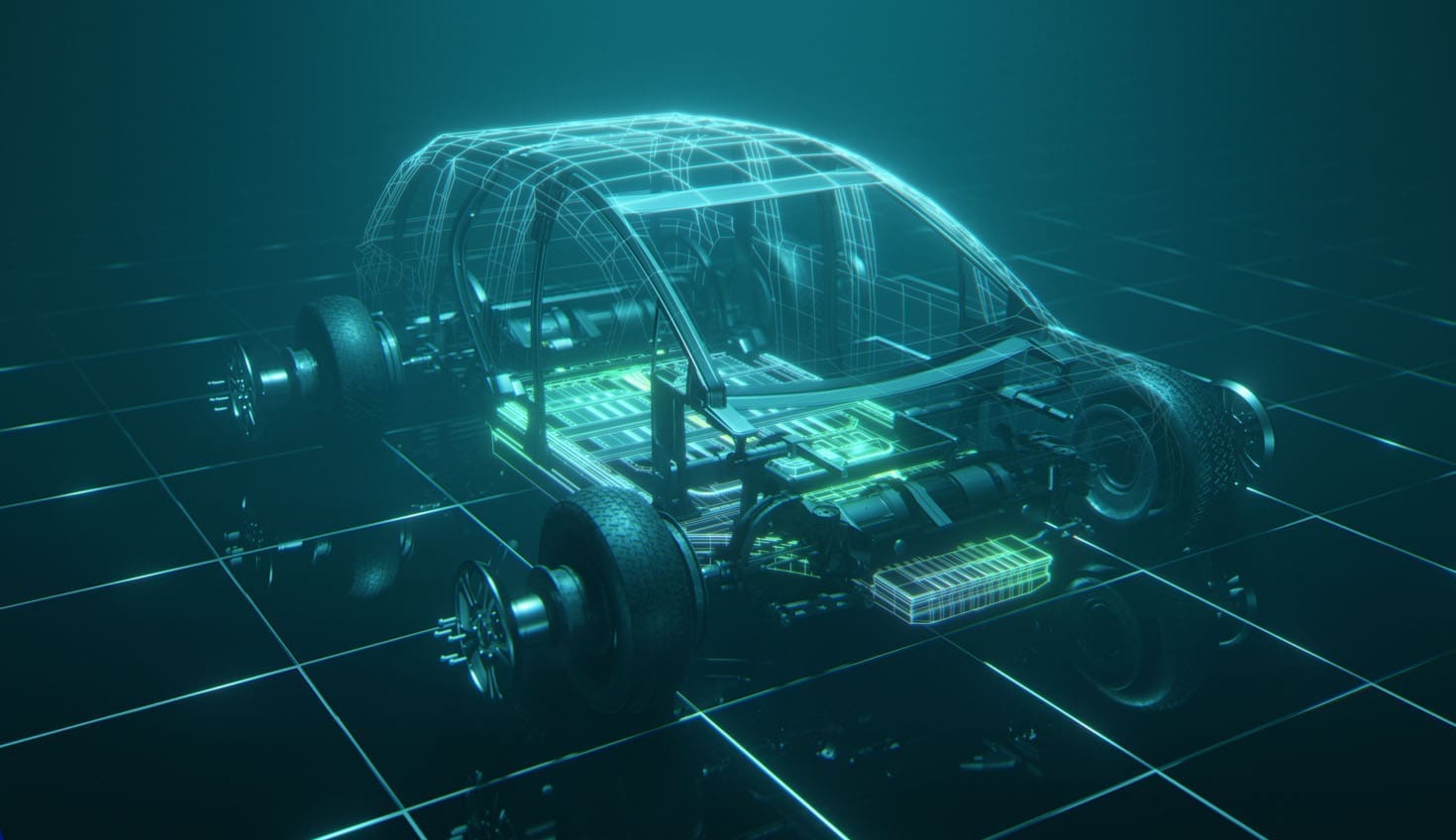
Vehicle programs coordinate components across packaging, supplier and manufacturing constraints. Use this setting as a practical example when planning cables, harnesses and piping in assembly context. Which product interface and review criteria should guide the evaluation?

Develop cable and fluid routes around an equipment assembly. Review connection changes, available space and the manufacturing information needed by the next team. Routed systems in engineering context Which route change most often creates downstream rework?

Discuss wiring and electrical separation inside a compact electromechanical product. Define connection identity, material assumptions and applicable review criteria. Routed systems in engineering context Which connection or separation question should be evaluated first?

Device teams work within defined design controls and documented review responsibilities. Use this setting as a practical example when planning cables, harnesses and piping in assembly context. Which product interface and review criteria should guide the evaluation?
Clarify tool responsibilities, model inputs and deliverables before evaluating a representative system.
No. Schematics focuses on logical connectivity, PCX on physical routing, CCX on electrical separation and HMX on harness manufacturing documentation. Establish the required tasks and confirm the proposed products, release and entitlements together.
The schematic provides logical information for supported downstream workflows. The physical route is developed in the 3D environment using the relevant routing capabilities, with the assembly context and engineering checks still required.
Clearance concerns separation through air; creepage concerns distance along an insulating surface. Define the applicable criteria and model setup, then review the resulting paths. An analysis result alone does not establish product certification.
No. Associativity can keep connected model information responsive to supported changes, but the team must inspect the affected routes, connections, analysis assumptions and documentation before release.
No. The linked reference differentiates offerings and their supported complexity and deliverables. Confirm the current package and evaluate a representative harness rather than assuming every listed function is included.
Bring an assembly, a representative schematic or connection list, typical routing changes, relevant design criteria and an example manufacturing deliverable. Include the people who own the logical definition, physical design and final review.
Show us the connections, the physical constraints and the deliverable your team needs to produce.
TriStar can help frame an evaluation and clarify the Creo products, licenses and review workflow involved.