
Keep the design foundation
Keep familiar parametric modeling, assembly and product-definition work at the center of the engineering process. Choose specialist capabilities around the deliverables your engineers own.

Bring parametric design, cloud-connected collaboration and centralized CAD administration into one working conversation. Explore Creo+ around the engineers creating the product and the people supporting their environment.
Discover Creo+
Creo+ combines the parametric 3D CAD foundation of Creo with SaaS delivery and connected services for collaboration and administration. It is intended for teams that want to develop their engineering environment alongside the way people access and share design work.
Start with the official Creo+ introduction, then connect the demonstration to your team’s design and operating requirements.
Keep familiar parametric modeling, assembly and product-definition work at the center of the engineering process. Choose specialist capabilities around the deliverables your engineers own.
Bring engineering and CAD administration into the same rollout discussion. The service model changes how people collaborate and maintain their environment; it also needs clear internal ownership.
For Creo+, SaaS means an installed CAD application connected to cloud services for collaboration and administration. The diagram separates where the work runs from the responsibilities your organization retains; Creo+ is not browser-only CAD.
Engineers create and work with CAD models in the installed Creo+ application. Workstation suitability, supported releases and local configuration remain part of the plan.
Collaboration and PTC Control Center support shared working and administrative tasks. Confirm the supported service workflow, access and connectivity for your organization.
Design work runs in the installed application. Cloud services connect people and support administration.
CAD delivery and enterprise product lifecycle management are related decisions with different responsibilities. If controlled product records, revisions and approvals are required, scope the Windchill environment and integration separately.
Explore Windchill PLMThe benefits are most useful when tied to a recurring working problem. Consider the outcomes below, then use the feature demonstrations to inspect the supporting tools.
Reduce the time spent reconstructing an interface issue from screenshots and separate messages.
At the next design review, compare how many clarification rounds the interface needed.
What to track: Count clarification rounds on one interface that typically needs several.
Make onboarding easier to track, with fewer access requests left waiting for an owner.
Trace a new colleague’s access request through assignment and confirmation.
What to track: Record the elapsed time from request to usable access.
Help teams adopt a release consistently by making readiness visible before the rollout.
Agree the internal acceptance checkpoint for a release update.
What to track: Record which teams are ready and which dependencies still need attention.
Inspect three parts of Creo+ through the official demonstrations: a collaborative session, centralized administration and the engineering toolset. Each film addresses a different product function.
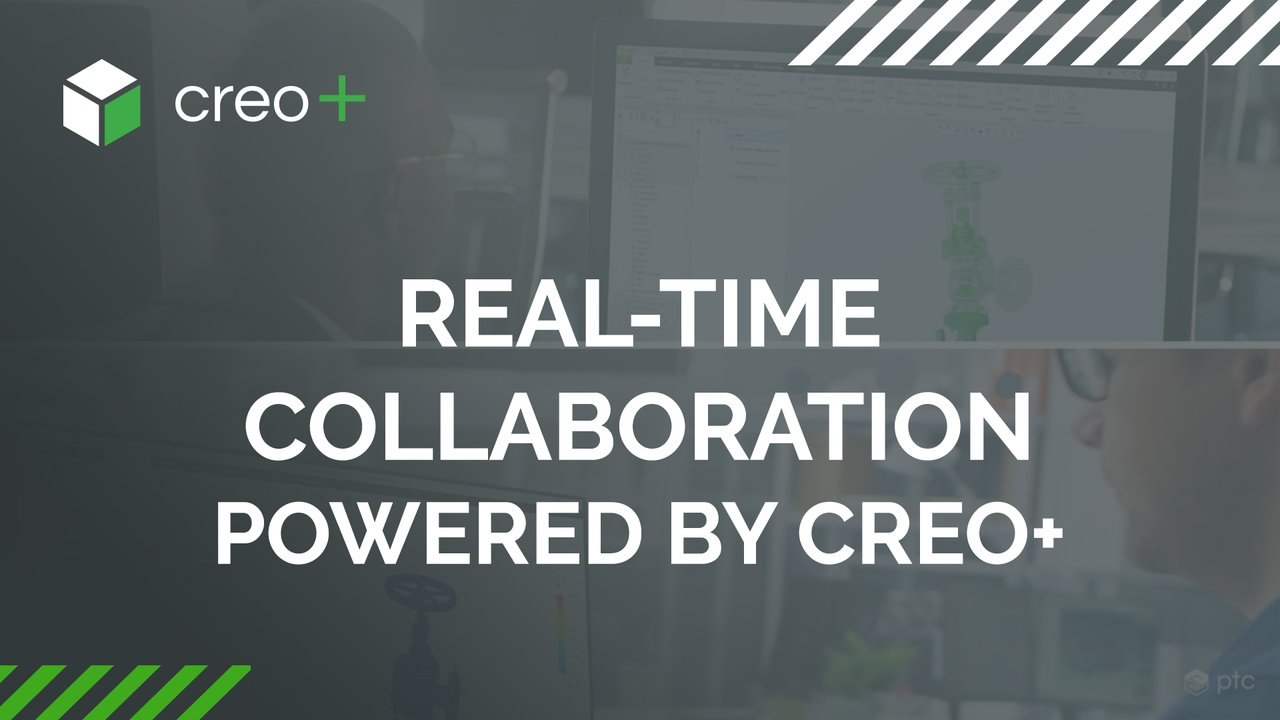
Use supported cloud-connected tools to bring internal and external participants into a shared design session. Review, explore and edit work in context, with synchronized changes across the participating users.
Scope the session around a particular engineering question. Confirm entitlement, supported workflows, participant access and how the work returns to your product-data process.
Who needs to contribute to the design, and what are they permitted to change?
PTC Control Center supports license management, configuration and deployment, with centralized telemetry for understanding software use. It gives CAD administrators a service-based way to organize the environment.
Use a real onboarding or update scenario to review assignments, administrative permissions and configuration needs. Agree the responsibilities of the service and the organization before rollout.
What does your administrator need to assign, monitor and maintain?
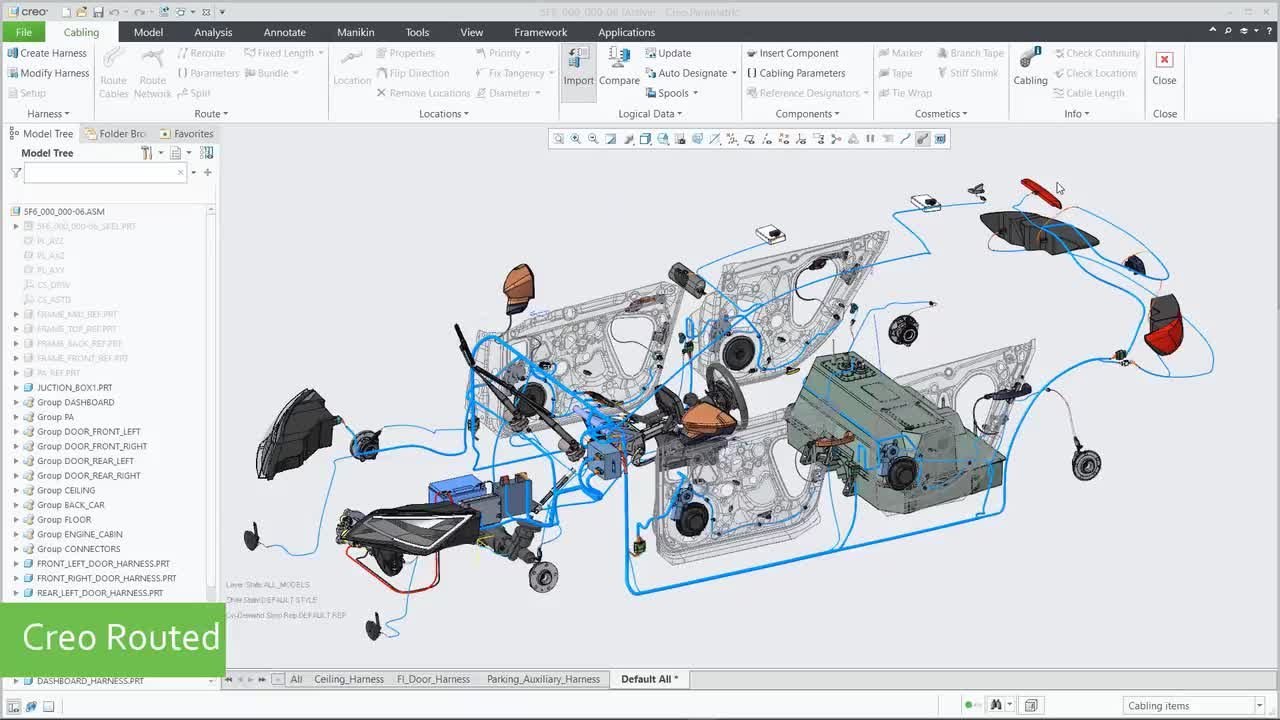
Creo+ retains the model-based engineering foundation of Creo, with specialist capabilities available for design exploration, simulation and manufacturing work.
Select the tools around the tasks your team authors and reviews. Generative design, advanced analysis and manufacturing capabilities depend on the applicable package, extensions and release; confirm the exact scope.
Which engineering task requires more depth than the core CAD foundation?
Separate the delivery model from the design tools and data you need.
An operating model becomes meaningful when it supports a specific product and its working relationships. Use these examples to choose a practical Creo+ evaluation; they are not preconfigured industry packages.
Scroll or swipe to explore all 5 industries. Use Tab to reach each industry link.

Aerospace teams balance packaging, interfaces and traceable design reviews. Use this setting as a practical example when scoping connected CAD collaboration and managed software delivery. Which product interface and review criteria should guide the evaluation?

Vehicle programs coordinate components across packaging, supplier and manufacturing constraints. Use this setting as a practical example when scoping connected CAD collaboration and managed software delivery. Which product interface and review criteria should guide the evaluation?

A machinery team may bring design, supplier and production contributors into one assembly discussion. Evaluate a supported shared session around a specific interface or design change. ASSEMBLY COLLABORATION Who needs to inspect the assembly, and who may change it?

Packaging and equipment teams coordinate geometry from several disciplines. Review how the proposed CAD and service setup supports the people exchanging that definition. CROSS-DISCIPLINE WORK Which participants and inputs belong in the shared design session?

Device development combines engineering work with defined review and quality responsibilities. Scope Creo+ collaboration alongside the organization’s control of design data and documented decisions. REVIEW RESPONSIBILITY How does a shared design session feed your controlled review process?
Resolve delivery, compatibility and ownership questions around the environment you intend to use.
No. The CAD application runs locally on users’ computers. Cloud-connected services support collaboration and administration; workstation and connectivity requirements still apply.
Creo+ combines Creo’s CAD foundation with SaaS delivery, connected collaboration and centralized administration. Compare the engineering capabilities first, then review deployment, licensing, update and collaboration responsibilities for the proposed environment.
PTC describes compatibility with on-premises Creo models. The direction of exchange, source and target releases and required editing behavior still matter. Test representative models with your colleagues and suppliers before setting a general compatibility expectation.
PTC Control Center supports license assignments, configuration, deployment and software-usage telemetry. Confirm available services and administrator permissions for the proposed setup.
CAD delivery, specialist capability entitlements and enterprise product data management are distinct scope questions. Confirm the package, extensions, service features and any Windchill integration against the work each role needs to perform.
Review the proposed service architecture, user and administrator permissions, connectivity and organizational policies with the responsible IT team. Confirm current PTC service documentation and requirements; the SaaS model alone does not establish that a particular deployment meets your obligations.
Choose one design session and one administrative task, with an engineer and administrator involved. Agree the expected outcomes before comparing the demonstration with your own environment.
Tell us how your engineers create, share and maintain their working environment.
TriStar can help scope a Creo+ evaluation around your product, people and delivery requirements.