Creo AR Design Share
Publish a representation of a Creo design and share an experience link. Review its scale and position in a real setting through Vuforia View on supported devices.

Bring a product into its intended setting with AR, or explore a prepared scene in VR. Give your next design conversation a clearer sense of space, appearance and perspective.
Plan an AR or VR review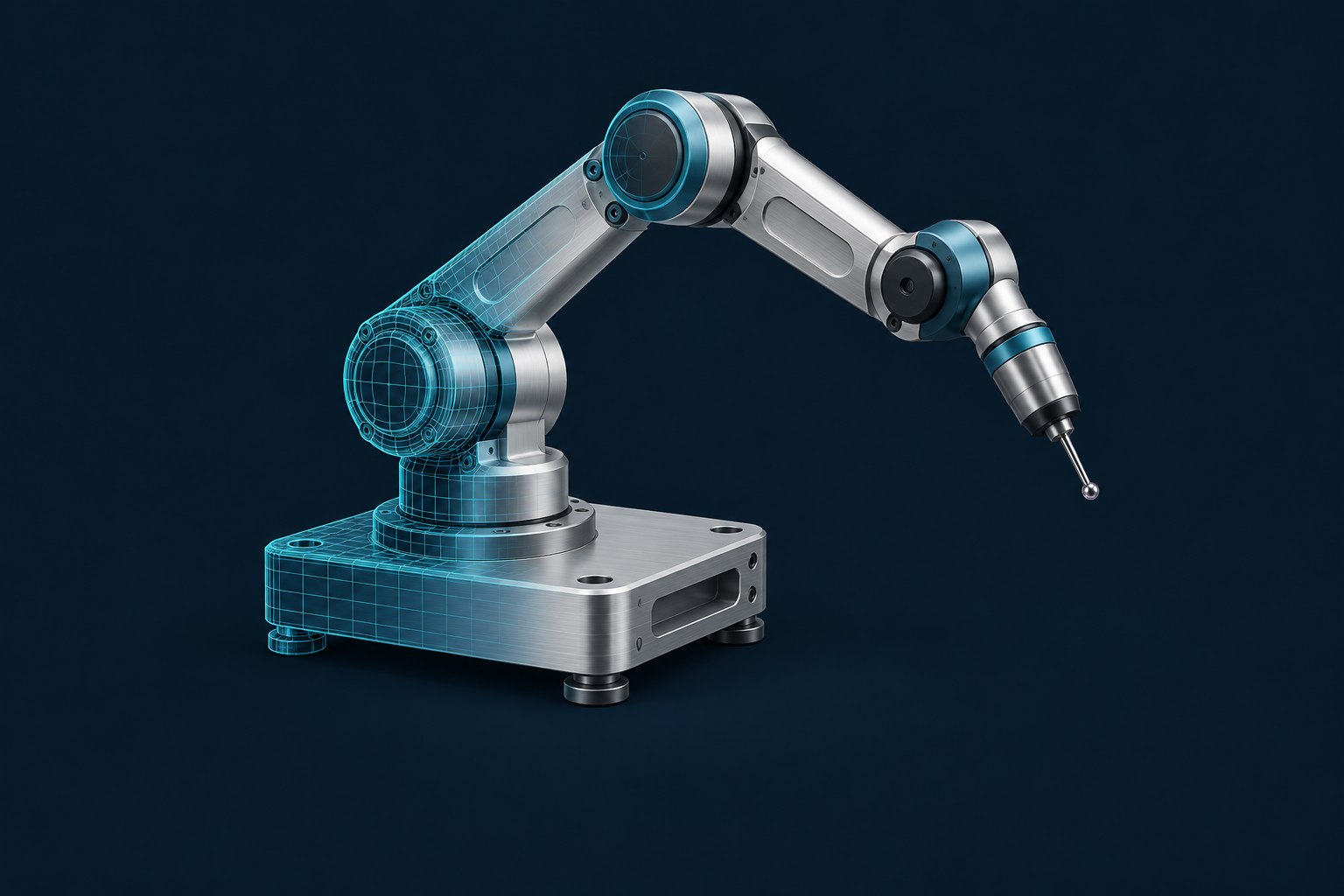
Publish a representation of a Creo design and share an experience link. Review its scale and position in a real setting through Vuforia View on supported devices.
Compare model sets, materials and environments within a prepared KeyShot scene.
Requires a suitable Windows PC and compatible headset; supported features depend on scene preparation.
Explore KeyShot Studio VRSwitch the setting to explore what you would ask about this inspection arm.
Keep the first experience small enough to evaluate with the people who will use it.
Choose a manageable assembly or KeyShot scene. Identify the configuration, revision and source files the experience should represent.
Describe what needs to be decided and what a useful review would leave you knowing.
Identify the participants, where they will work and the devices they can use.
Test the intended viewing setup and confirm software entitlement before the session. Creo AR sharing options depend on the selected release and service. Studio VR Connect requires the same scene version and a shared LAN or VPN.
No. A design-review experience and a controlled service procedure serve different purposes. Vuforia Studio and Vuforia Expert Capture support separate AR authoring and procedural workflows. Define the source information, maintenance responsibilities and intended use before selecting a tool.
Explore service lifecycle managementStudio VR is the immersive product for a compatible VR setup. Browser-based 360° product visuals belong to the separate KeyShotXR / Studio Web offering. Select the experience and entitlement that match your audience.
Use it to support a review and communicate a prepared product representation. Fit, safety, simulation results and release approval remain part of the appropriate engineering process.
We’ll help define the software, viewing setup and next step.
Start a conversation