Codebeamer release guide

What’s new in
Codebeamer.

More room to develop in parallel. Clearer ways to find information. Stronger connections across engineering.

Talk through your upgrade
Codebeamer release symbol with circular haloThe original Codebeamer symbol sits within a pale circular center and a beveled graphite ring. Fine radial circuit details and four routed connectors surround the fixed core. The center symbol gently pulses, followed by a circular halo.
Understand the release

Codebeamer Core
and Codebeamer AI

Codebeamer connects requirements, risks and tests in a controlled application lifecycle management (ALM) process. Here, Core means that ALM foundation; optional, separately licensed Codebeamer AI adds assistance within it.

Two roles in the engineering workflow
What to understandCodebeamer CoreCodebeamer AI
The role it plays

Maintain engineering records, their relationships and the workflows for reviewing and controlling change.

Assist with requirements and test preparation or retrieve engineering information; engineers check suggestions and own the technical decisions.

When it helps

Related releases or product variants need a controlled way to share engineering work.

Large bodies of engineering information make relevant context difficult to find or reuse.

Engineering decisions, connected

A requirement document connects to risk and test evidence, then branches into two product configurations. A shared trace keeps intent, supporting records and variant context related as engineering work evolves.

  • RequirementsStart with the intent
  • Risk & testingRelate the evidence
  • Product variantsFollow the context

Confirm AI capabilities, licensing and deployment options for your release and configuration with TriStar.

Team outcomes

Keep teams aligned.
Make informed decisions.

Use these scenarios to identify a coordination problem worth evaluating. The feature details below explain the capabilities and operating limits behind each one.

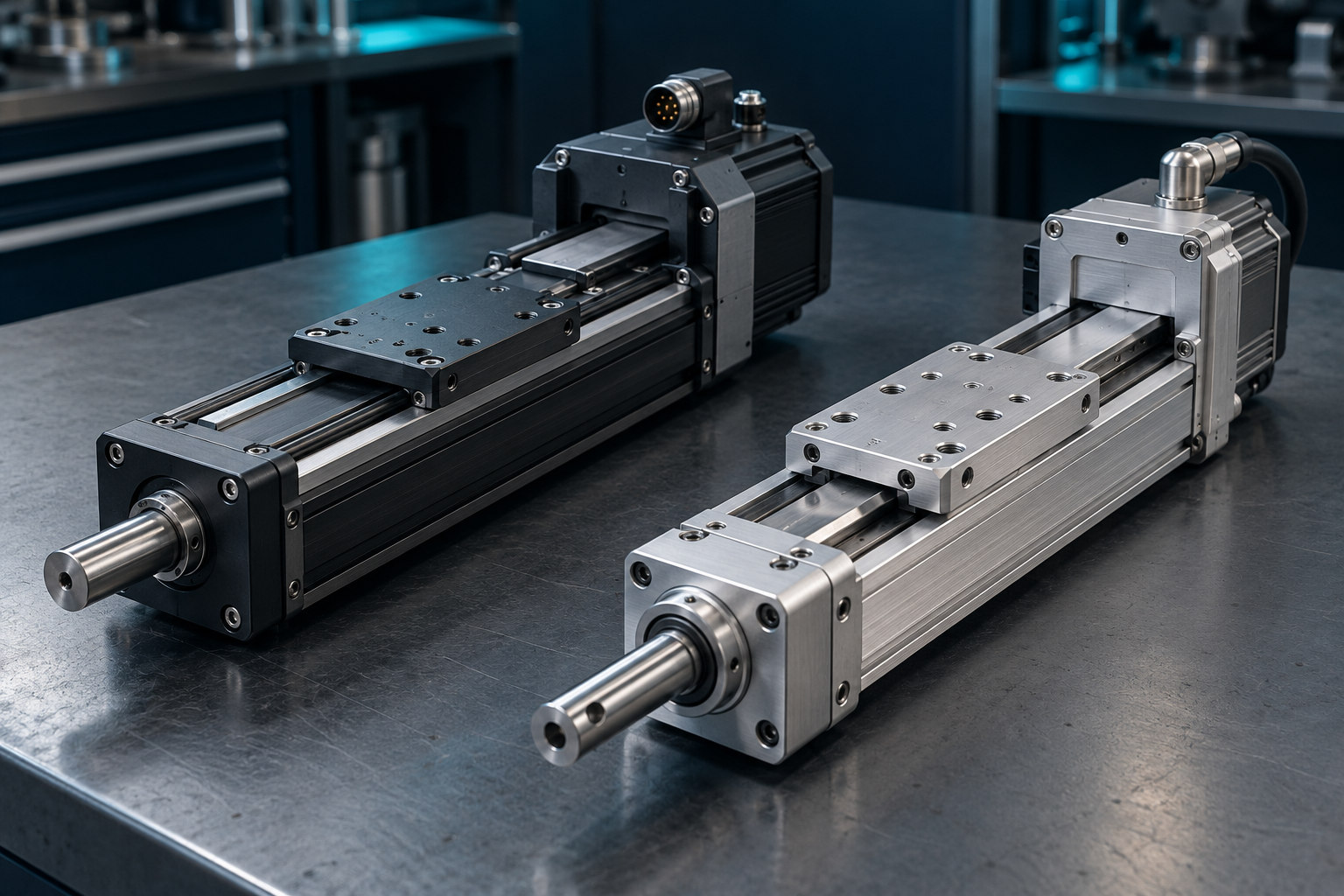
Two related precision actuator assemblies with different housing and shaft configurations on an engineering bench.

Keep parallel work organized

Clarify which changes should be shared before another team takes them into its release.

In practice

One actuator variant is still changing while another is nearing release. The team needs to decide which work can be reused, which remains specific to a variant and who owns the review.

A question for your team

What would a reviewer need to see before sharing this change?

Explore streams and merging
An engineer reviewing a technical drawing beside an open laptop at a workbench.

Spend less time finding context

Start investigations with relevant prior work and the evidence behind it.

In practice

An engineer investigating unexpected behavior needs to understand whether the team has seen it before. Earlier rationale and test findings can help frame the next question.

A question for your team

What evidence would let your team reuse an earlier finding?

Review semantic search
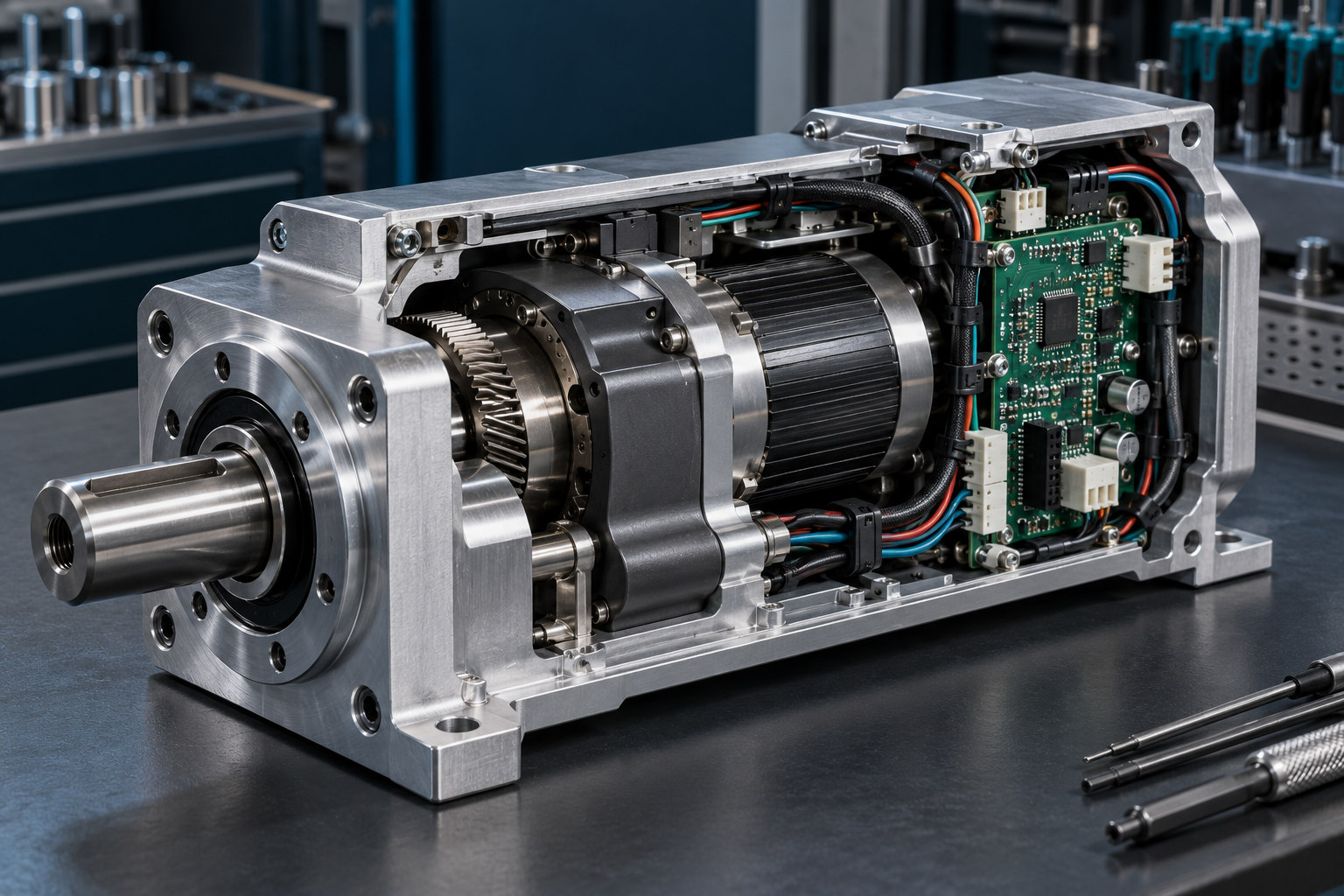
A detailed mechatronic assembly with a metal housing, circuit boards, wiring and mechanical components.

Understand a change’s reach

Give software, systems and product owners a common change to examine.

In practice

A proposed control change may affect behavior, a physical assembly and verification. The team needs to identify the responsible owners and agree what each should examine before work proceeds.

A question for your team

Which disciplines need to be involved before this change moves forward?

Explore connected product context
Inside the update

Control the change.
Connect the evidence.

Explore how the release themes work. Each capability has its own configuration, access and review requirements.

Parallel developmentDelta Merge & streams

A stream keeps selected project information separate for a release or variant. Delta Merge carries non-conflicting changes into a target stream; conflicting edits remain for people to resolve.

Streams views and permissions help organize the work. Merging still depends on access rights, conflict resolution and engineering review.

AI deployment choiceCustomer-hosted AI

Run Codebeamer AI and its supporting resources in your organization’s Azure tenant, with an operating plan that fits your environment.

Review identity, infrastructure, connectivity, access and service responsibilities. This option does not imply arbitrary local or offline hosting.

ALM–PLM traceabilityConnected product context

Configured links with Windchill, the product lifecycle management (PLM) system, relate software lifecycle records to product information. Codebeamer 3.3 expands linked-object metadata and reverse lookup.

Supported releases, integration configuration and access define the connection. Each system retains ownership of its information. Include connected workflows in your upgrade validation.

Explore Windchill
Separate streams, searchable records and product context connect the engineering lifecycle.
August 2026 portfolio releases

Know what changed.
Choose your next step.

The core platform, AI add-on and product line engineering tool have separate release and licensing scopes. Review the changes that apply to your environment.

Separately licensed add-on

Codebeamer AI 1.2

Semantic search and indexing extend how teams discover information in their engineering records.

Review AI features

Plan the upgrade around your environment.

Identify your current release and deployment model, representative projects, connected tools and validation needs. Agree compatibility and an appropriate upgrade window with TriStar.

If Pure Variants is in scope, review its separate licensing, supported versions and integration.

Plan your upgrade with TriStar
Put the changes in context

Complex products.
Practical engineering questions.

Choose a representative product situation, then use the evaluation to examine the decisions, owners and evidence involved.

Robotic arms work around an unfinished vehicle body on an automotive production line.
Automotive

Follow a change across vehicle variants.

A shared control module may appear in vehicle programs with different release dates and test scopes. Use one proposed change to examine what can be reused and what must remain specific to each program.

A question for your team

Who approves reuse across vehicle programs, and what evidence should accompany that decision?

Explore automotive
Medical imaging equipment and a precision mechanical assembly in a manufacturing environment.
Medical devices

Keep device evidence connected.

A requirement change late in a device release can affect verification and the risk information the team needs to revisit. Use a representative change to examine how owners locate the relevant evidence and record the review.

A question for your team

Who owns that device review, and where will the rationale for the decision be retained?

Explore medical devices
Before you upgrade

Release questions.
A clearer next step.

Use these questions to turn a release review into a focused pilot, involve the right people and agree what is needed before rollout.

What should our first evaluation prove?

Choose one current engineering problem and agree what a useful result would look like. Record how the team handles it today, use a representative project, and compare the evidence and review effort afterward.

What should a streams-and-merge pilot include?

Use related working contexts with one change intended for both and another that should stay specific. Include a competing edit, name the reviewers and check the target records against the intended release. This tests your review process as well as the merge capability.

How should we check AI search results?

Choose questions with known relevant requirements or tests, then try them with realistic users and access levels. Inspect the returned source records for relevance and current content. Confirm which projects are indexed and how updates reach the index.

Who should join a customer-hosted AI evaluation?

Include engineering alongside the people responsible for your Azure tenant, identity, security and service operation. Agree the data scope, connectivity, access and who will maintain the environment. Confirm those responsibilities against the supported configuration with TriStar.

When should product-line engineering enter the discussion?

Consider whether selected product features need to drive a variant-specific working set. Identify a representative configuration and who owns its feature selections. Use that example to decide whether Pure Variants belongs in the evaluation alongside the Codebeamer update.

When is an evaluation ready to become a rollout?

Agree acceptance checks for representative projects, permissions, workflows and connected tools. Record the required validation evidence and who approves the result. Use those findings to plan the upgrade window and operational handover with TriStar.

Your next release

Move forward.
Keep the work connected.

Bring your current environment and the change you want to make. We’ll start there.

Talk to TriStar